This course introduces the Remote Gate, an automated smart gate. First, there is a high-level overview of the Remote Gate. The course walks through common features that you can expect to encounter at a Remote Gate managed site, as well as how you should interact with the various equipment that you might find. Lastly, the course walks through the entry and exit process for Remote Gates to ensure a smooth trip every time.
This course will take approximately 20 minutes to complete.
This course is mobile friendly. You can take it on your phone or on a computer. Select each card below for tips on taking this course on your phone.
Amazon has developed a technology integrated solution, the Remote Gate, that improves the driver experience and increases safety in the yard. This lesson will walk you through the Remote Gate experience, as well as provide some ways that Remote Gate improves driver experiences.
The following video walks through the basics of the Remote Gate and presents some live-action examples of drivers interacting with the equipment, both when it is automated and agent-assisted, as well as showing what happens when an issue arises.
Press the Play button to view the video.
Let’s look at the general process of entering and exiting a Remote Gate site.
Note: If you need additional help, remain at the gate and a remote associate will be connected to assist you after a few minutes. Always wear your safety vest and safety equipment.
There are two distinct gate experiences: Automated Gate Experience and Agent-assisted Gate Experience.
Press the tabs below to take a look at each of these.
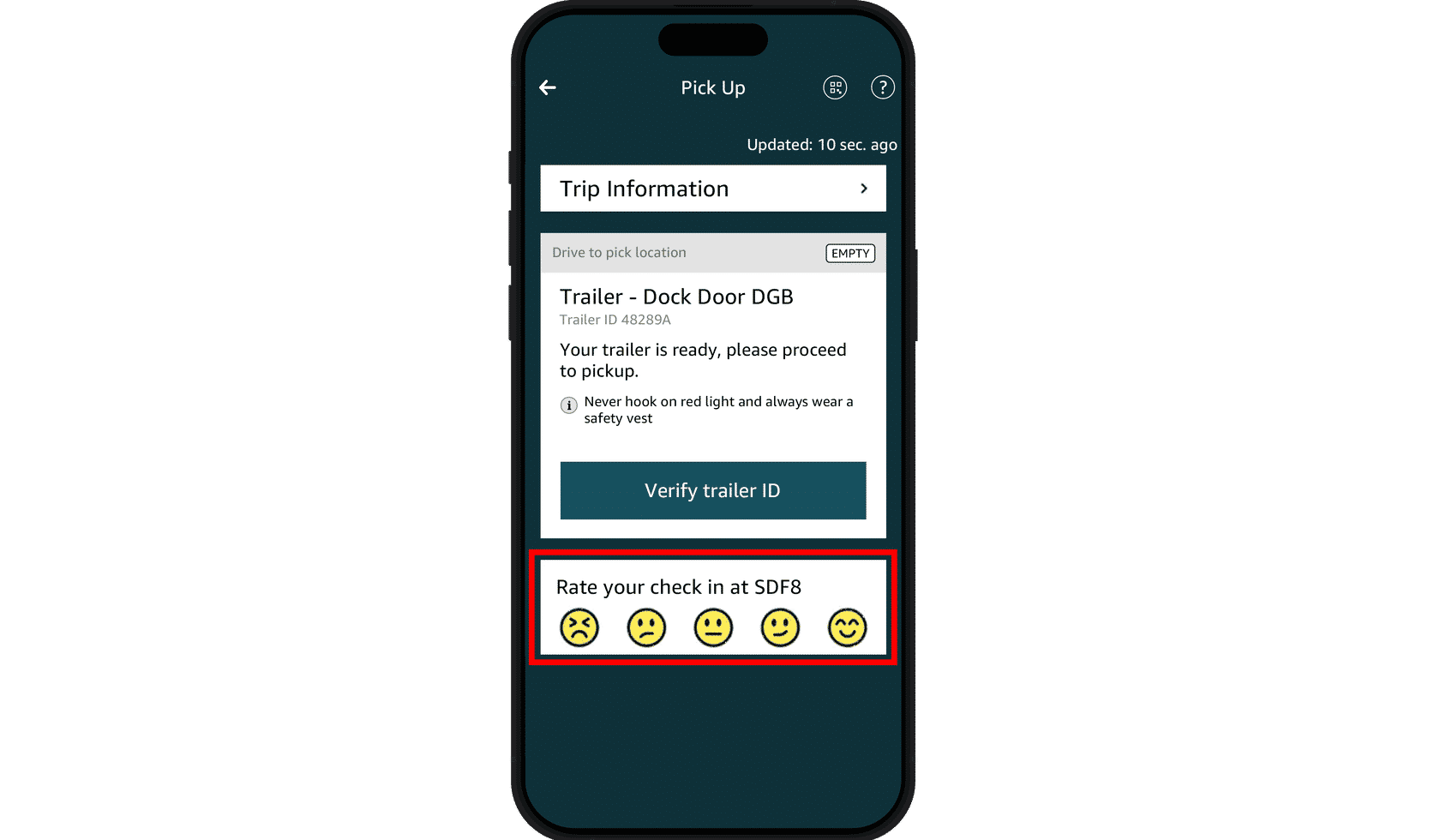
For eligible pre-registered loads, you’ll be automatically checked into or out of the yard in seconds. When entering the yard the TV monitor will tell you pick up/drop off locations. This information is also available in the Relay app When exiting the yard the TV monitor will tell you when you can exit.
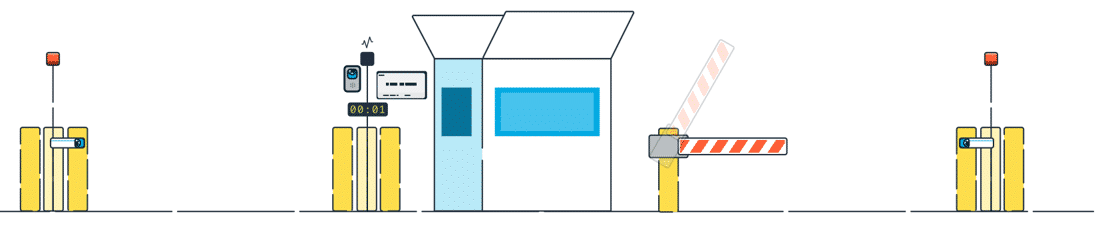
For transactions that need additional information, our team is always ready to help you.
One of our agents will communicate with you using the camera at the driver kiosk to confirm the information needed to complete your check-in or check-out.
If additional help is needed, our agent will contact on-site personnel to assist at the gate or a location inside the yard. The most common issues for which assistance is needed are:
appointment number issues
load not completed by onsite team in the system
missing seal/seal request
Let us know what you think about Remote Gate via your Relay Mobile app.