Mccoy

What is this course about?

Welcome to Relay Onboarding for Drivers. This 30 minute course will help you get started on your journey as a Relay driver with confidence. In this course you’ll learn how to:

  • Set up your account.
  • Get ready to haul your first load.
  • Stay compliant with required yard safety practices.
By the end of this course it is our goal that you’ll have everything you need to get started and get driving. We also want to set you up for success long term, so at the end of this course we’ll show you how you can find additional resources, videos, and guides that are available within Relay.

How do I navigate this course?

This course is divided into eight modules. At any time you can revisit lessons you’ve already completed by using the table of contents on the left side of your screen. We recommend completing this 40 minute course at one time. However, if you pause, your progress is saved between sessions.

Click the magnifying glass icon (+) to zoom in and click again to return to normal size.
When you see a "CONTINUE" button, select it to unlock the next section of the course.
Rotate your phone for better access to course content.
Relay basics, getting started.

Before you begin hauling loads with Relay, there are a few essential tasks you’ll need to complete first. Let’s go through these tasks to ensure you are set up for success for your first load.

Great work! You've got the basics down. Let's continue on to how to set up your account and verify your identity.

Your Relay Account

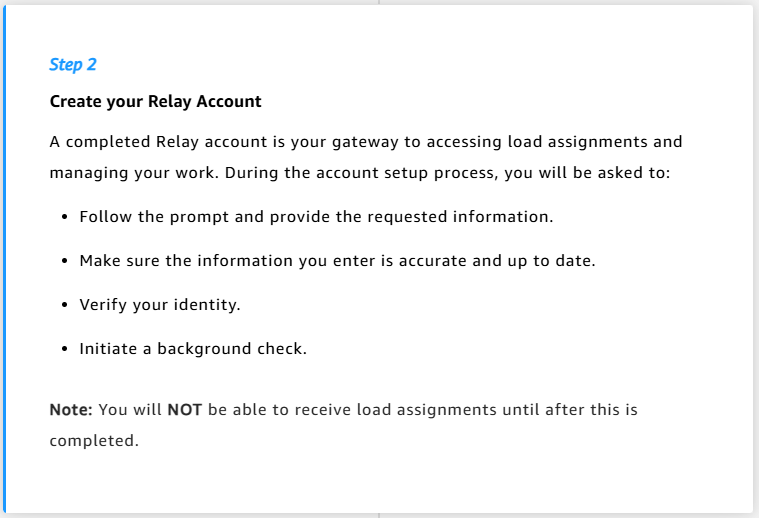
Your Relay account is your gateway to accessing load assignments and managing work. As you prepare to setup your account you’ll need to keep these two things in mind:

  • Account security
  • ID verification
Because safety first is our priority, let’s start with making sure your account is safe.

Section 1 of 2: Account Security

Keeping your account safe starts by setting up your account correctly. This part of the course will walk you through what you need to know to get your Relay account up and running.

These four tips below will help secure your account.

Section 1 of 2: Account Security

Setting yourself up for success also means having the right equipment and documentation ready. Let’s review what you need before accepting your first load. We’ll cover the following two topics:

  • Equipment & documentation preparation.
  • Photo verification tips and tricks.

Topic 1:  Equipment and Documentation Preparation

First, let’s talk about preparing your equipment and documentation for verification.

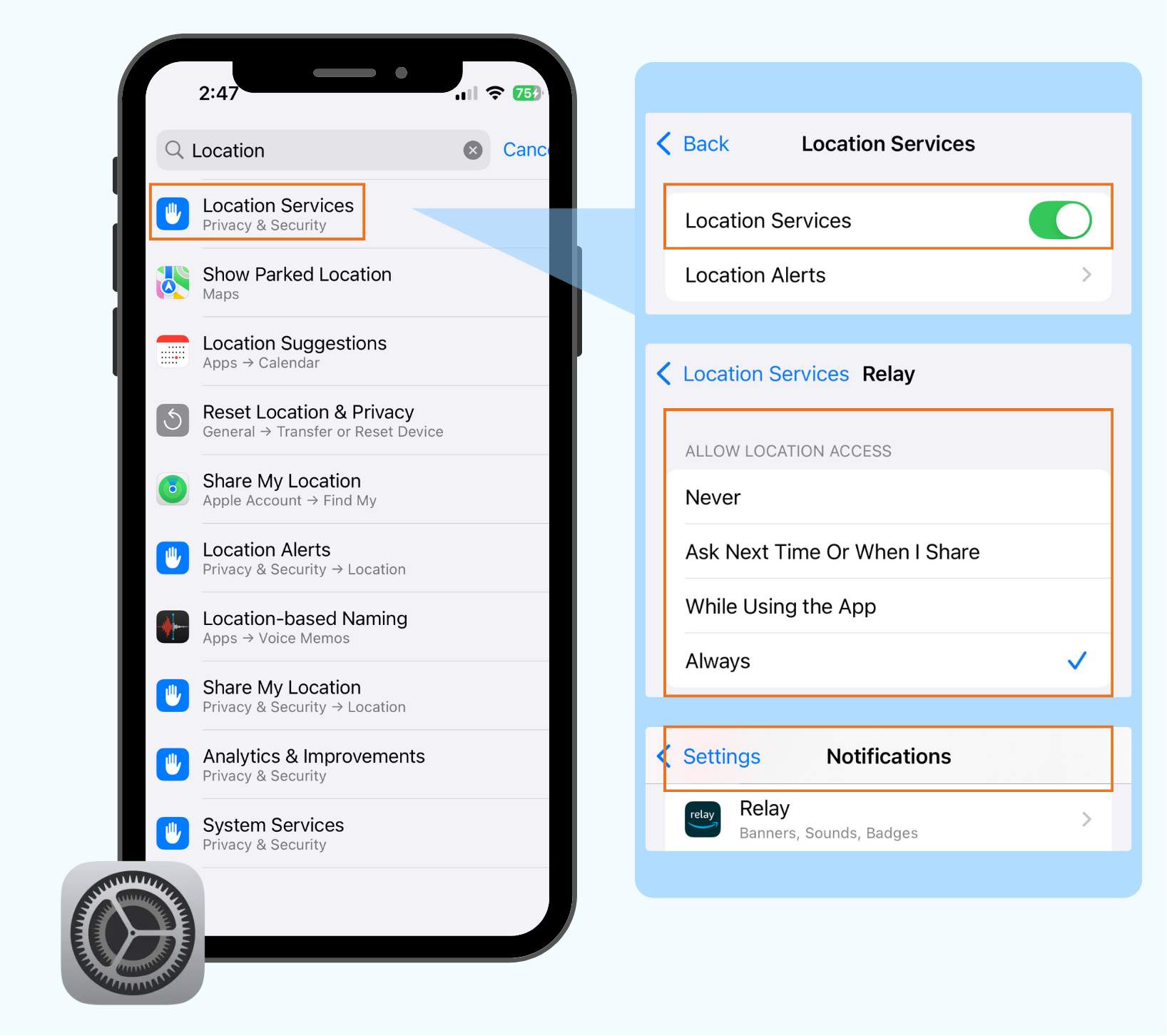
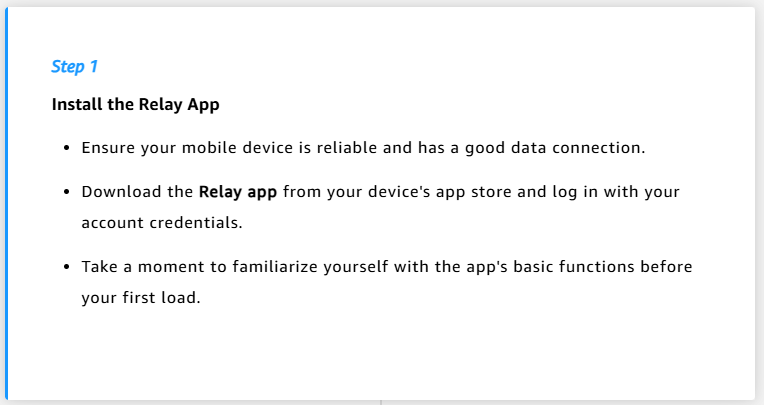
You already know you’ll need a mobile device with access to the Relay application to get started. Before getting started,  you’ll need to update some of your settings in order to effectively use the Relay app.

Tap to flip the cards below to reveal the 3 settings you will need to check on your phone.

First, check and confirm your location services are enabled. This helps track load progress and ensure you’re at the right facility.
Second, verify your app has camera access enabled so you can take clear photos of any required documents and complete your identify verification.
Relay app notifications as they keep you informed about important updates to your loads, facility changes, or safety alerts.

Topic 2. Photo verification tips and tricks

Next, let’s dive into photo verification a bit further. Doing this right will help to ensure secure and speedy yard access. Take a moment to familiarize yourself with these three easy guidelines.

Carrier Notifications

Great work! You now understand the basic requirements and expectations for account security and ID verification with Relay. But what about the types of notifications your carrier gets throughout your trip?

It’s simple, when you are hauling a load for Relay, your carrier will receive notifications when you:

  • Successfully complete a load.
  • Have a verification issue.
  • Raise any safety concerns.

These notifications keep your carrier informed and support quick resolution of any issues.

Summary

Once you have submitted your selfie in the Relay app as a part of identity verification, you’ll be asked to consent to the use of facial recognition technology. After consenting, you’ll start seeing requests for selfies in the Relay app prior to picking up a load. This will happen at each load pick-up. Relay will automatically match these selfies to what you provided during identity verification, using facial recognition technology.

These key takeaways will help ensure a smooth journey as you begin hauling loads.

  • Keep your Relay account safe by protecting your password and login information.
  • Take acceptable verification photos.
  • Prepare your equipment and documentation ahead of time.

In the next part of Relay Onboarding for Drivers, we’ll cover the essential steps for executing loads efficiently.

Note: This content focuses on Amazon site pick-ups and drop-offs. Please refer to site specific signage and posted procedures for clarification on expectations.

Load Execution Essentials

Pre-trip Checklist

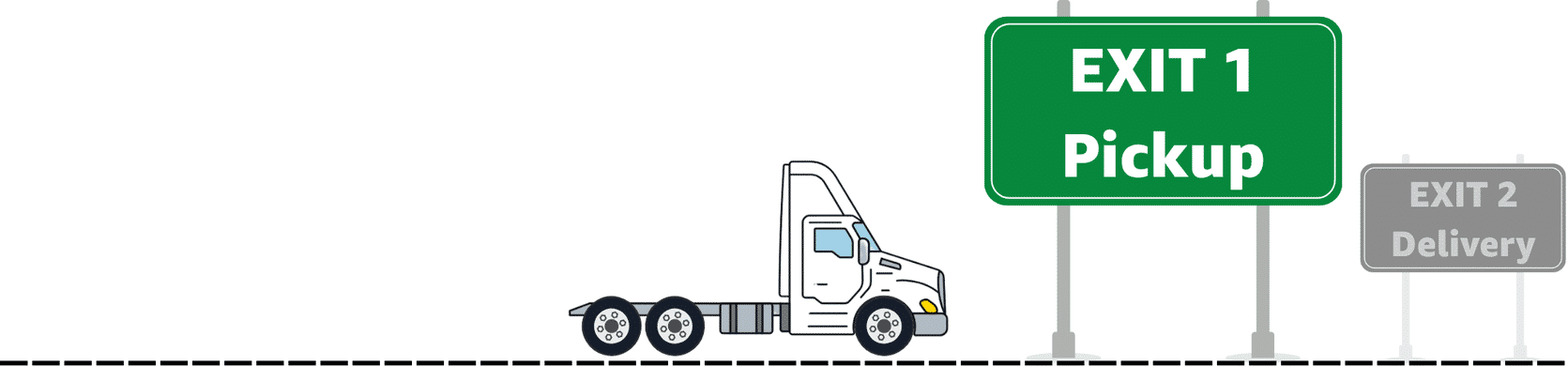
Every trip begins with a series of tasks you need to accomplish before arriving on-site. Each trip will have its own unique preparations that might involve the load, the vehicle, and the equipment needed. This lesson will walk through the things that will occur in every trip. Let’s get started.

These simple high-level steps can help you prepare for your upcoming trip. We won’t go into details on the Pre-Trip Checklist (DVIR – Driver Vehicle Inspection Report), but you can learn more about this by checking out the Relay Learning Center(opens in a new tab) after you complete this course.

Now that the basics have been covered, it’s time to talk specifics. The next section will walk you through pre-registration. This is the process where the driver uses the Relay app to confirm their equipment prior to arriving on site. Ready to dive in?

Pre-trip Checklist

What is pre-registration? Why do we need it? Tap on each flashcard to learn more.

What is pre-registration?

Pre-registration is when a driver confirms their equipment information prior to arriving at the site, such as the vehicle type and license plate number.

Why is pre-registration important?

Pre-registration speeds up your check-in process, verifies equipment details, and confirms load requirements. Pre-registration for your load becomes available in the Relay app 24 hours before your scheduled arrival time.

However, there are a few things you should be aware of when it comes to pre-registration:

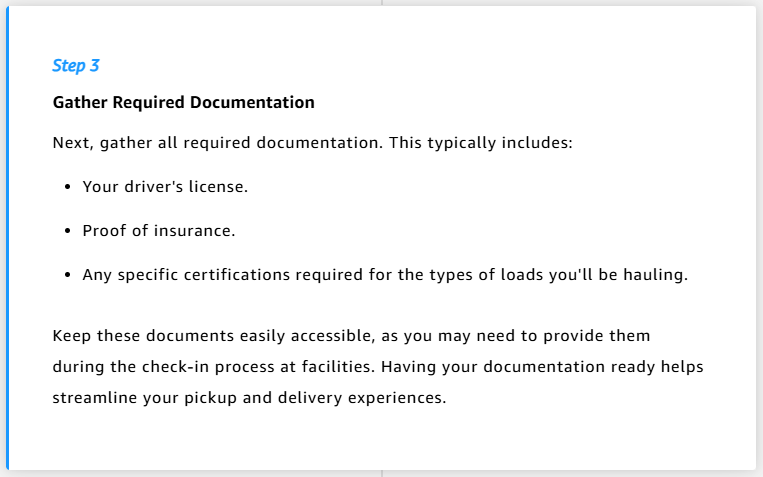
  • Pre-registration requires specific information, such as: vehicle details, trailer information (if applicable), and providing any required certifications for the load.
  • Pre-registration opens 24 hours before your Scheduled Arrival Time and can be completed any time up until you arrive on site.

Note: If drivers arrive too far ahead of the Scheduled Arrival Time (SAT) displayed in the app, they may not be able to access the yard. It’s best practice to arrive no more than 30 minutes ahead of  the SAT. Any arrival after the SAT is considered late. 

Preparing For A Trip

The most successful journeys start with a plan.  We will explore together the steps you should take to prepare and get ready before each trip.

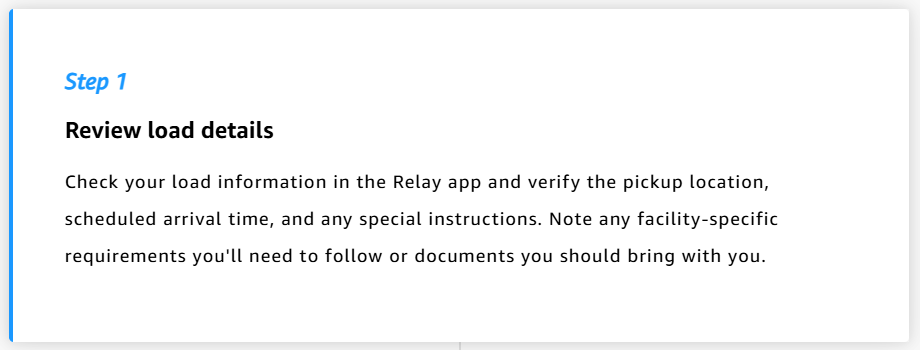
Milestone 1: Load Assignment Review

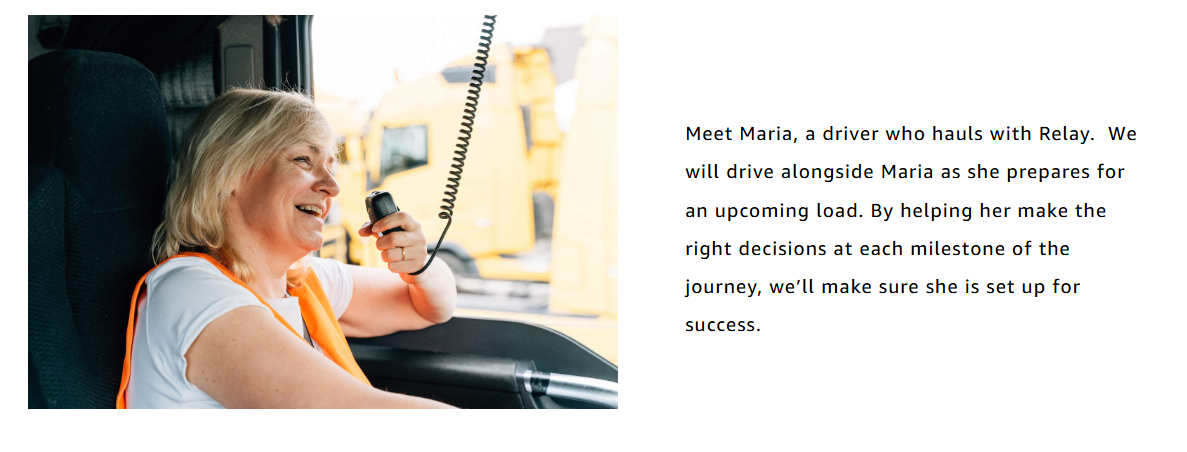
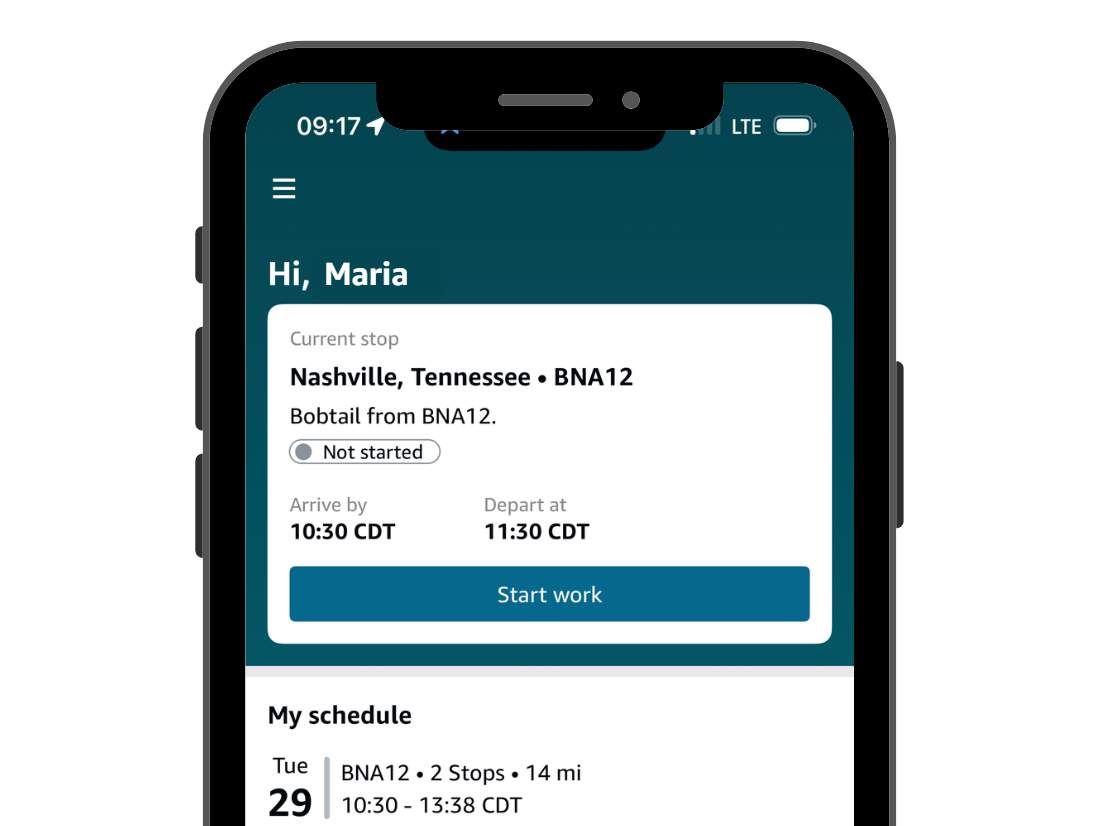
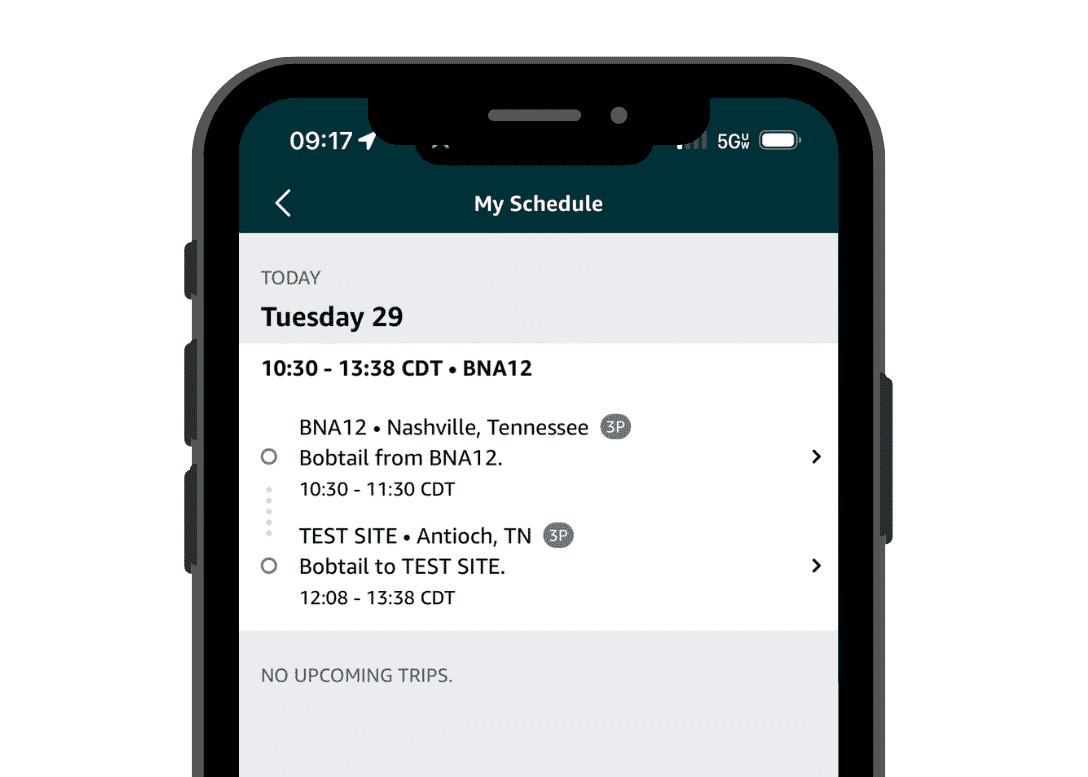
Maria just received this load assignment. Click on the markers to review the important details Maria should verify before proceeding.

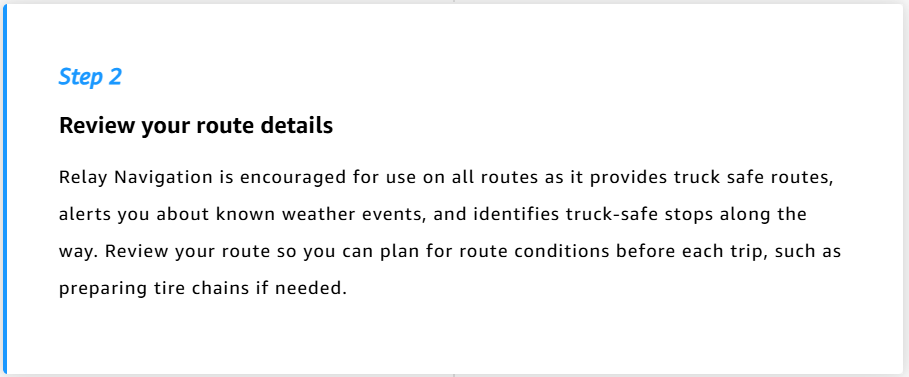
Milestone 2: Route Review

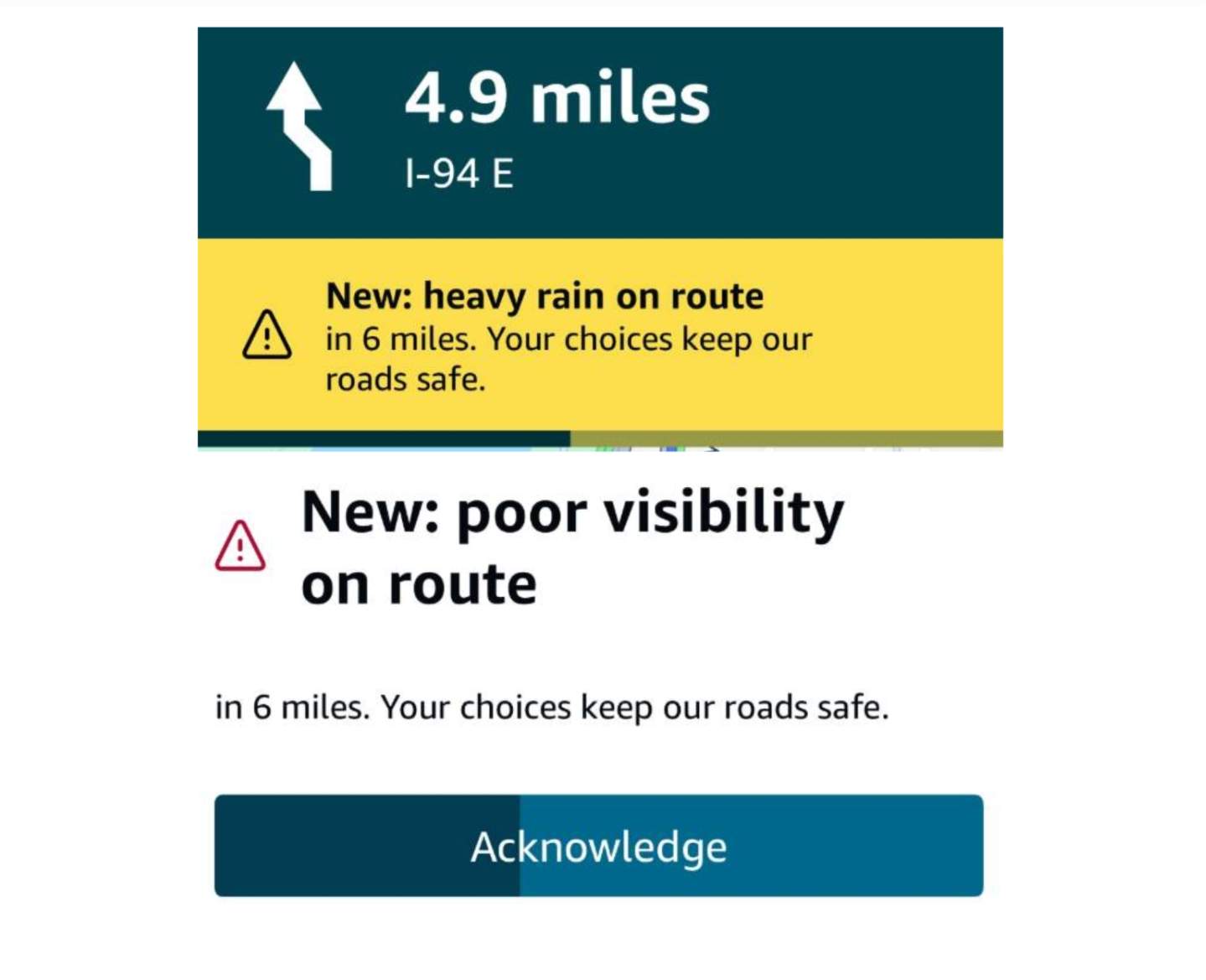
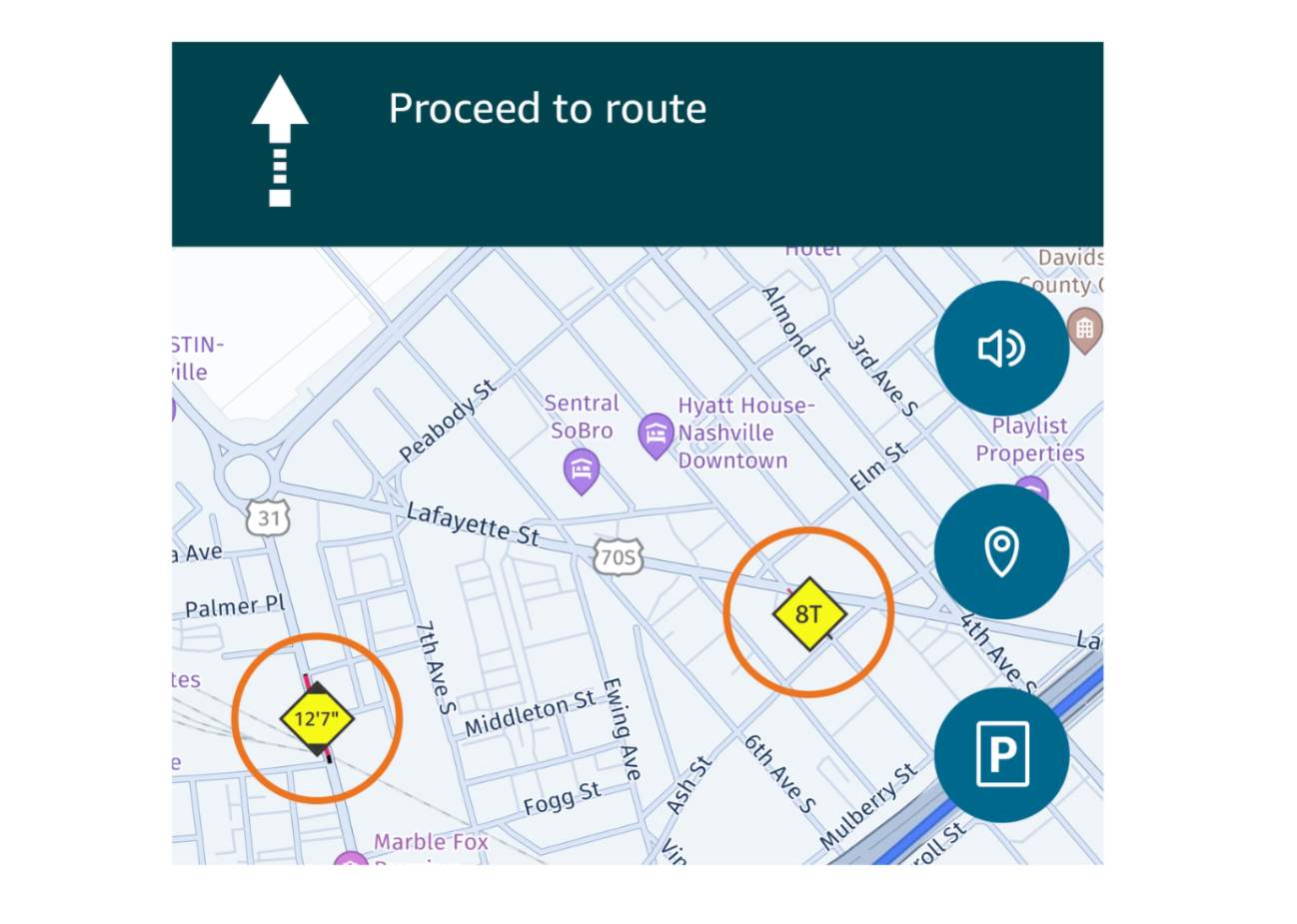
Now review the conditions for the route. We recommend that drivers use Relay navigation for this. 

Click on each tab to see the details of the route as shown in the Relay app, then review the preparations necessary for the condition.

Milestone 3: Final Preparations

Maria needs to complete her final check. To help her do this click through each item to “complete” the checklist.

Basic Pickup and Delivery Steps

Next, you’ll learn about the Relay pickup and delivery process. There are two critical topics we’ll cover in this section:

  • The pickup process
  • The delivery process

Let's start with the pickup process.

The pickup process is separated out into four inter-connected sub-steps:

Now, let's talk delivery.

The delivery process is separated out into four inter-connected sub-steps:

Guidance for issues during pickup and delivery.

While it doesn’t happen often, sometimes things change. Here, we list two potential scenarios and provide guidance on how to handle them. Contact support as/if needed.

If you’re curious to learn more about this, expand the boxes below accordingly.

If your load is reassigned:

  • Previous check-in may be reset.

  • New verification might be required.

  •  Follow app prompts for next steps.

If you encounter system issues:

  • Try basic troubleshooting steps.

  • Use alternative check-in if available.

  • Follow facility personnel guidance.

Documentation Requirements

Up until now we’ve alluded to the required documents that you’ll need for your trip, either during the Pickup or Delivery. Now it’s time to take a deeper look at what exactly these documents are, and how you’ll manage them properly.

  • Bill of Landing (BoL)
  • Proof of Delivery (PoD)
If you don’t know what these documents or are curious to learn more, expand each box below.

The BOL document serves as the official record of your load. Sometimes it will be provided physically, other times you may receive an e-BOL (electronic version).

Always ensure:

  • All information is clearly visible in photos.

  • Required signatures are present.

  • Date and time are included.

  • Load details match your assignment. If there is a discrepancy, please contact ROC.

A POD document confirms successful delivery.

Remember to:

  • Get clear signature from receiving facility.

  • Note any exceptions or issues.

  • Keep copy for your records.

  • Submit through the Relay app promptly.

Summary so far

Excellent work! You now understand the following at a high-level:

  • The importance and best practices for pre-registration.
  • The essential steps for pickups and deliveries.
  • Proper documentation requirements for successful load execution.

Next, we'll cover Yard safety fundamentals, the second to last topic, to ensure you are able to operate safely at all Amazon Yard facilities.

The topic of Yard safety is very important. Per Relay policy, following Yard safety rules is required for accessing Amazon facilities. Violations may result in notifications to the driver and carrier to improve performance. However, serious or repeated issues could lead to temporary or permanent loss of Yard access, impacting your ability to haul loads.

Yard Safety Essentials

Amazon’s Yard access policies are designed to maintain a safe, efficient, and professional environment for all. These policies, outlined in the Relay Program Policies and Yard Access Guidelines, cover safety practices, professional conduct, and operational standards.

Everyone that enters an Amazon Yard is expected to follow Yard Rules when they enter and Amazon Yard:

  • Follow all safety rules and procedures.
  • Maintain professional behavior with staff and other drivers.
  • Operate vehicles safely and report any incidents promptly.

Watch the video below to begin exploring the safety practices you’ll need to know about while working in the Yard.

In the video above you learned about many of the safety essentials while working in Amazon Yards. Let’s recap some important ones.

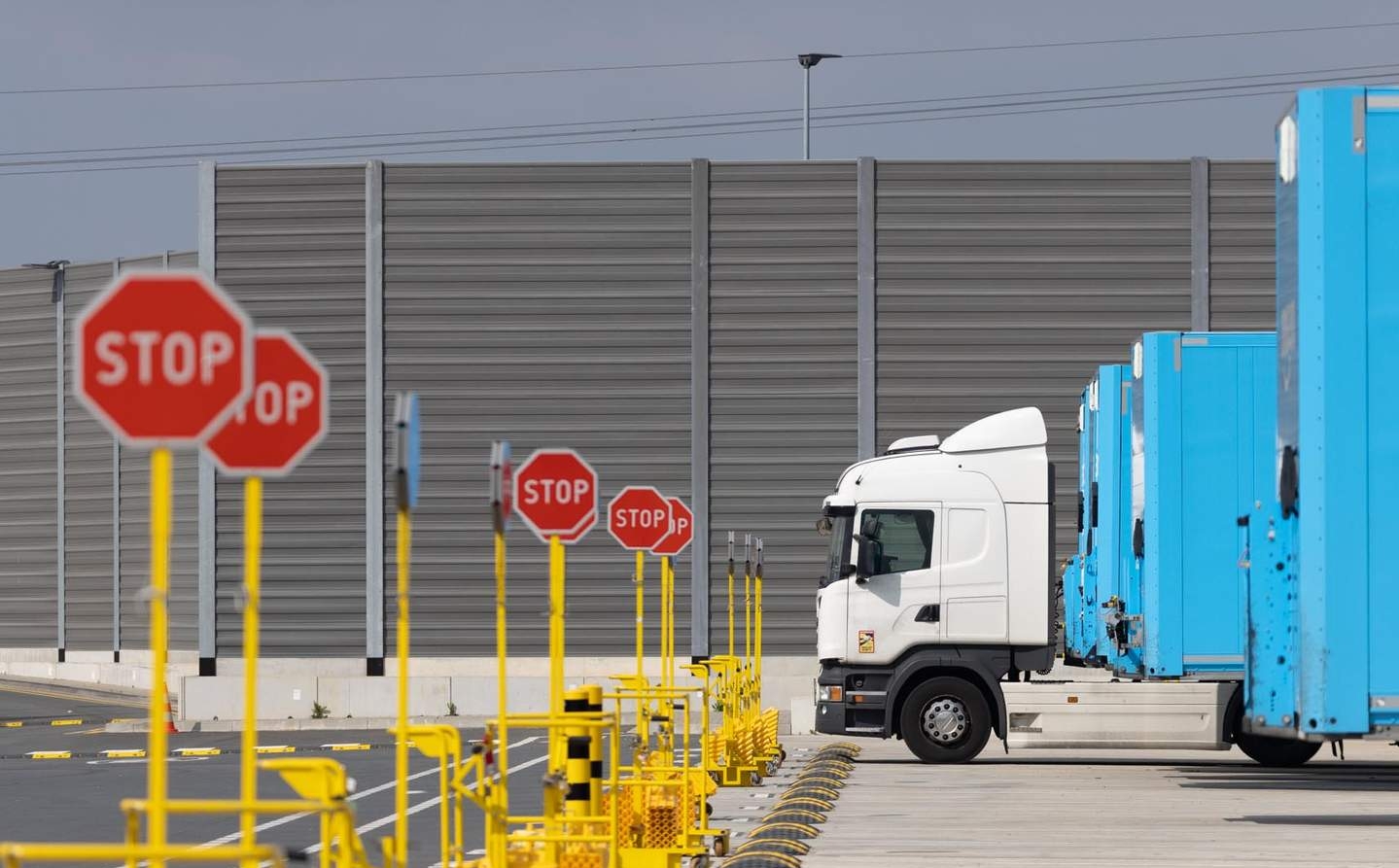
In Amazon Yards, you’ll see signage for everything from speed limits to safe walkway areas. You’ll need to follow the instructions on these signs to remain safe in these areas as required by Relay policy. These practices ensure that you can safely enter and exit the Yards.
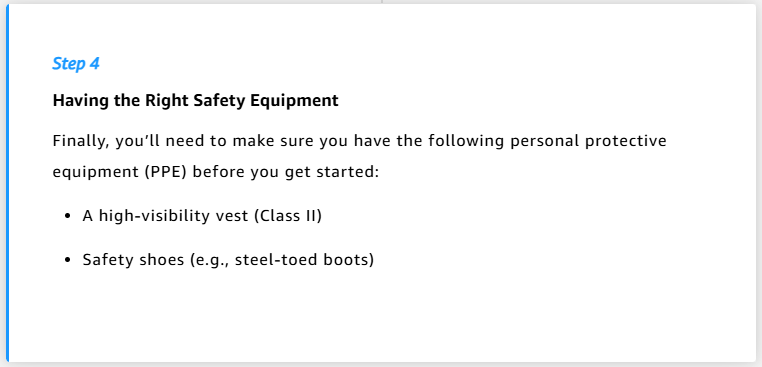
Personal Protective Equipment (PPE) is required when you are outside of your vehicle in any Amazon Yard. To keep yourself safe, follow these simple safety tips while outside of your vehicle and in the Yard:

  • Wear a Class II high-visibility vest at all times.

  • Use safety shoes.

  • Keep loose clothing secured.

  • Remove headphones or earbuds.

While operating in the Amazon Yard, situational awareness is key for maintaining a high safety standard. Here are a few simple tips that can help you stay aware of your surroundings and reduce the likelihood of incidents.

  • Stay alert and watch for pedestrians and other vehicles.

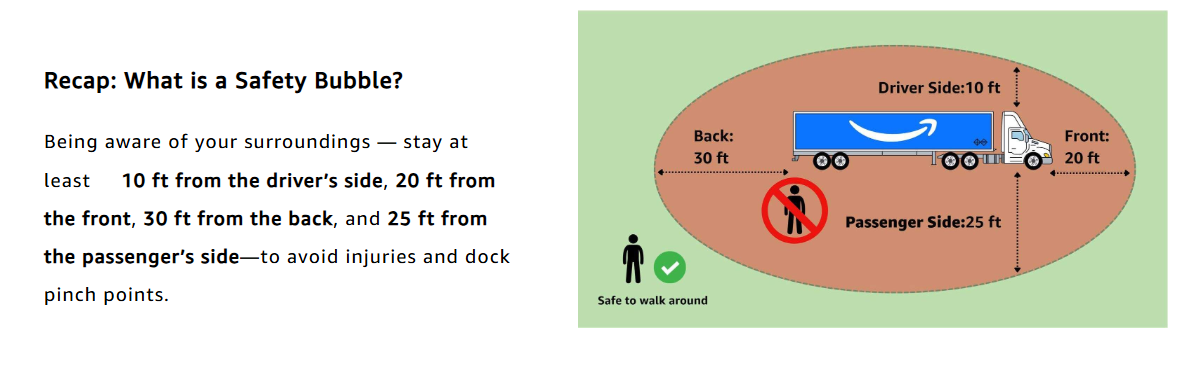
  • Maintain safe distances from other vehicles utilizing the Safety Bubble.

  • Follow all posted signs and markings.

  • Remain with your vehicle unless necessary.

  • Do not enter slips next to active parking slips, where people are present such as yard staff or other drivers.
Utilizing Land on Blue (LOB) in Yards

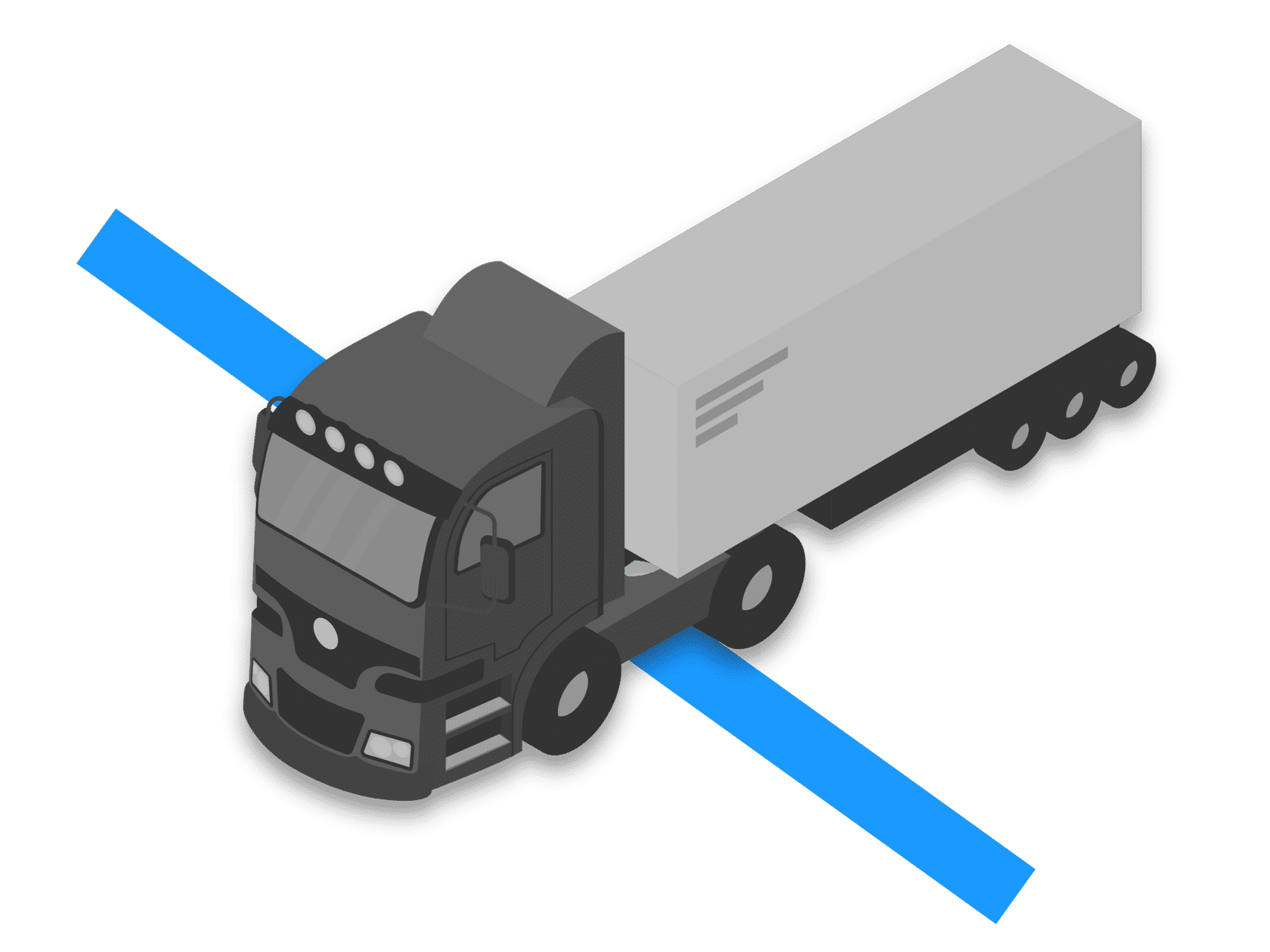
This section provides detailed instructions on how to use Land-on-Blue (LoB) as a visual reference to park trailers correctly in perimeter slipsback-to-back slips, and wall slips within an Amazon Yard.

The blue line serves as the visual reference point used to guide drivers to help align the front of the trailer while parking without having to exit the truck. This improves driver experience by reducing the need to get out of the truck to ensure accurate parking. While also having the potential to eliminate safety hazards that can be caused due to exiting and boarding the truck numerous times.

Carriers use the insights gathered here to look for opportunities to provide coaching to their drivers.

Note: This does not apply to docking trailers at dock doors.

Steps to park vehicle using the LoB Indicator

Click the arrow below to read through the steps.

Key Points to Remember

  1. LoB is a visual reference to park trailers correctly in perimeter slips, back-to-back slips, and wall slips.
  2. LoB does not apply to docking trailers at dock doors.
  3. ‘Look-Align-Confirm’ – Use the side-view mirror to locate the LoB, align the nose of the trailer to the LoB, and confirm proper parking.
  4. Stop backing up the vehicle when the nose of the trailer just passes behind the blue LoB line.
  5. The front/nose of the trailer should align with the LoB line.
  6. Sites FAT1, JAN1, CLT9, JAX7, LGB8, HSEA, QXY8, BWI4, BWI5, HGR2, ILG1, KRB7, MTN1, MTNB, MTN6, MTN9, ORH5 have two LoB lines, one at 43’ and the other at 53’. Use the second line at 53′ for parking.

Finally, if a safety incident occurs in the Yard, it must be reported. Even minor incidents require reporting. This includes both injuries and vehicular accidents. Reporting incidents promptly ensures that you’ll continue to have access to Amazon Yards.

Proper Incident Reporting

Proper incident reporting plays a vital role in Yard safety and your success hauling loads.

Note: When incidents are reported promptly, Amazon can address safety concerns and help prevent similar situations. In addition, reporting incidents immediately often leads to opportunities for process improvement rather than penalties. However, failing to report incidents puts safety at risk and may result in loss of Yard access.

Next, let’s explore the essential steps for reporting incidents effectively at a high level. We will cover this in two steps:

  • When to report
  • How to report

⌚When to report

You should report ANY incident, no matter how minor, including:

  • Vehicle collisions.

  • Property damage.

  • Near-misses.

  • Injuries or health emergencies.

  • Hazardous conditions.

  • Security concerns.

🗎 How to report

  • Ensure immediate safety first. Please call 911 if it’s an emergency. 

  • Safely notify Yard personnel straightaway.

  • Use the “Click to call back” feature in the Relay app to report the incident.

  • Contact your carrier dispatch.

  • Cooperate with any investigation procedures.

Next, let’s see this in action.

In the next section you will explore the reporting process

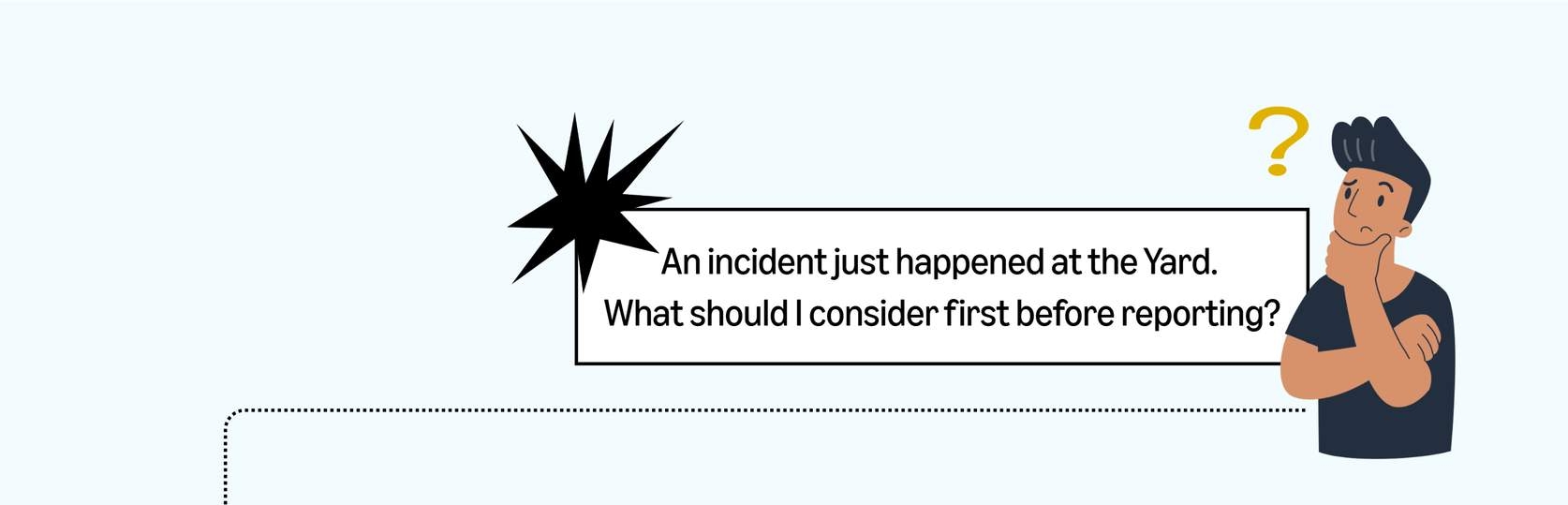
Step 1: What to consider before reporting?

Above you learned when and how to report. Now you’ll learn how this all comes together through the following infographic.

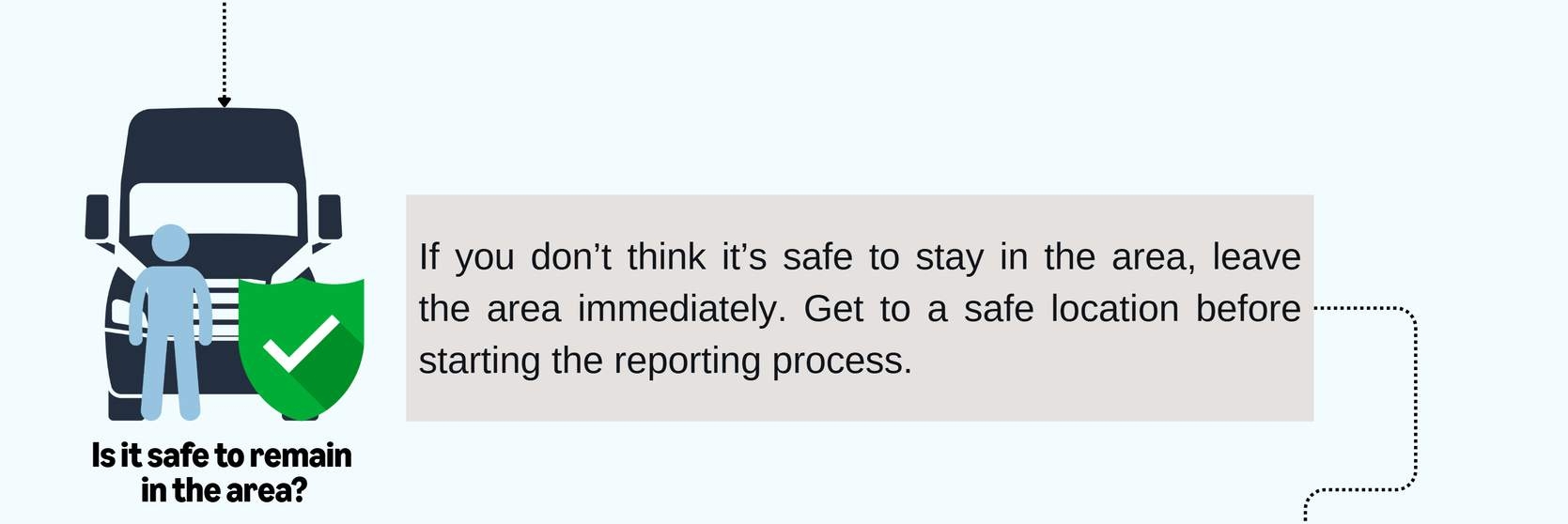
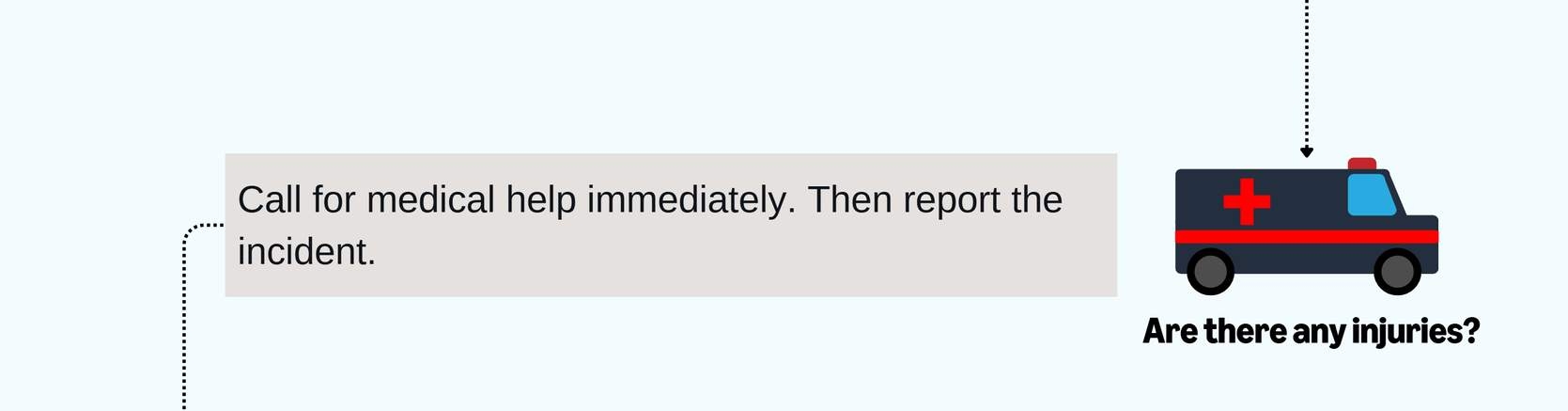
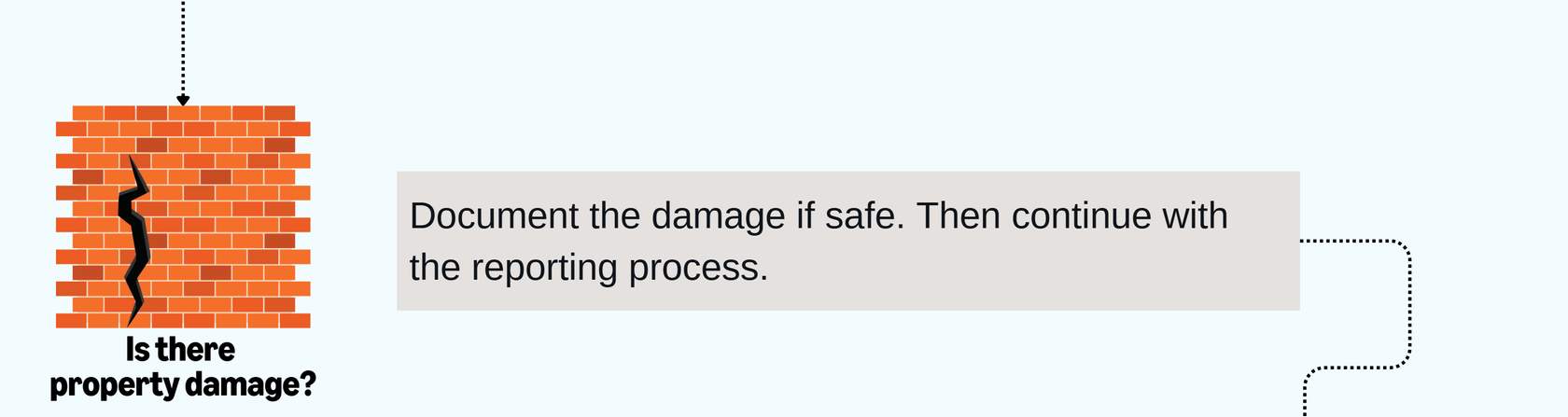
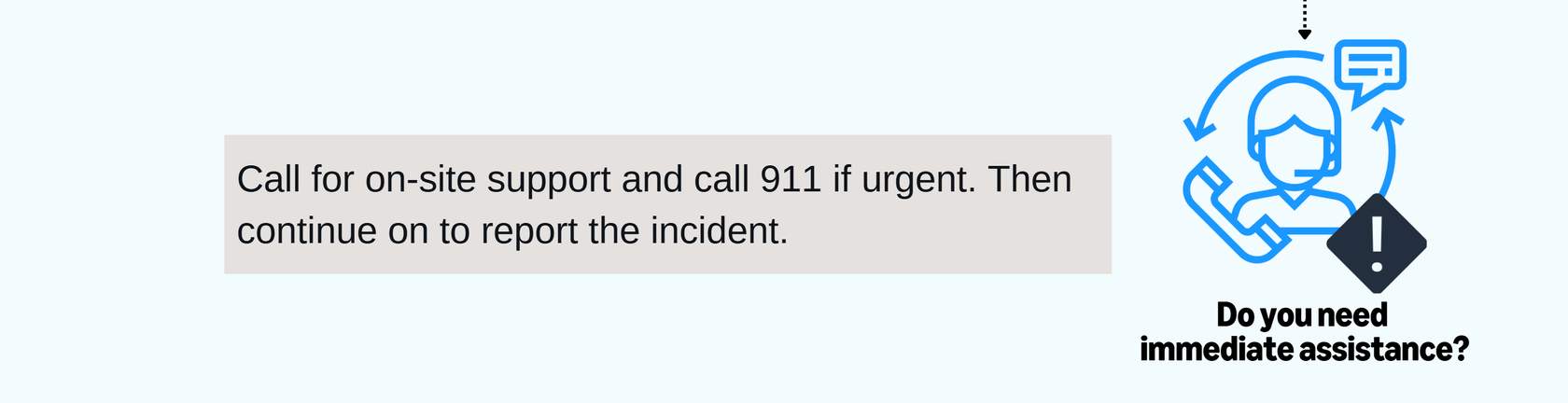
When an incident occurs in the Yard, there are a lot of decisions you’ll need to make to navigate it properly. The flowchart below outlines best practices for reporting an incident.

Step 2: What to report?

Below is the information you should be prepared to provide in the report.

  • Your name and carrier information
  • Exact location of the incident
  • Time and date of occurrence
  • Description of what happened
  • Any visible damage or injuries
  • Names of any witnesses
  • Photos of the scene (only if safe to take)

Step 3: What happens after I report?

Tap on each card to reveal the follow-up procedures and your responsibilities after submitting the initial report.

Follow Signs and Signals:

  • Stop at all stop signs – no rolling stops.

  • Adhere to posted Yard speed limits.

  • Obey traffic flow patterns.

  • Follow painted ground markings.

  • Respect dock door signals.

  • Adhere to designated parking areas.

Different facilities may have different systems:
  • Some facilities use automated check-in while others require manual processes.

  • Always follow posted instructions.

  • Ask facility personnel when unsure.

When standard systems are unavailable:

  • Follow facility personnel directions.

  • Use manual check-in processes if needed.

  • Maintain all safety protocols.

  • Document any special instructions.

And remember… Your Yard access depends on:

Following Safety Rules

Consistent PPE usage. Speed limit compliance. Proper documentation. Following instructions.

Professional Behavior

Respectful interaction with staff. Proper communication. Following procedures. Maintaining cleanliness.

Incident-Free Operation

Safe driving practices. Proper equipment operation. Immediate incident reporting. Following Yard protocol.

Yard Safety Summary

Great work! You should now understand the following essential Yard safety topics:

  • The importance of following Amazon Yard rules to prioritize safety.
  • How to report incidents if they should occur.
  • How to maintain consistent Yard access.

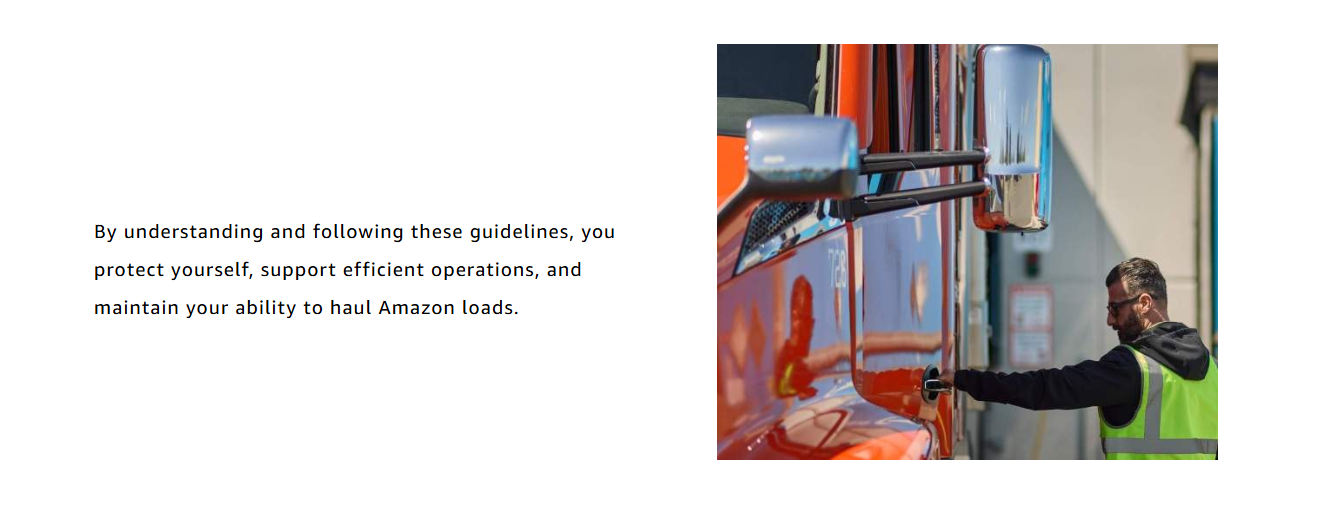
Remember: Safety is a shared responsibility. By following these guidelines, you contribute to efficient operations and help to maintain your access to Amazon facilities.

We’ve mentioned support a couple of times throughout this course. In the last section of this course, we’ll provide information on how to access that support using the Relay app.

You’re almost at your destination.

Support Resources

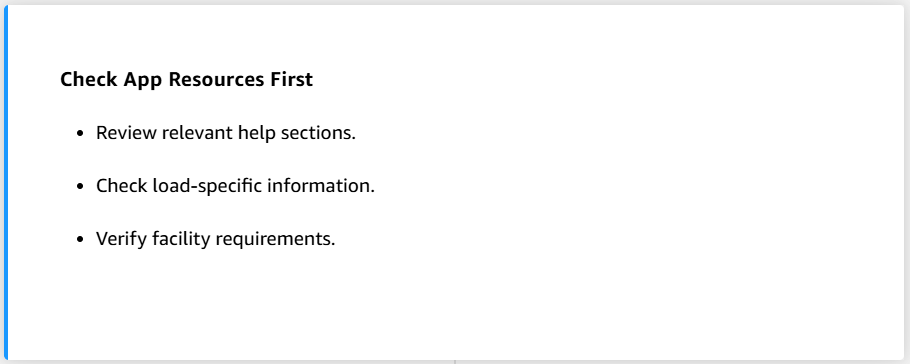
Having the right information at the right time keeps you moving efficiently and helps prevent delays. While most situations can be handled through self-service resources, it’s important to know when and how to seek additional support. Understanding these resources and when to use them saves you time, reduces frustration, and helps maintain smooth operations.


The Relay app provides multiple ways to find answers and get help:

  • Quick self-service options for common questions

  • Clear paths for urgent situations

  • Direct access to support when needed

Self-Service Options

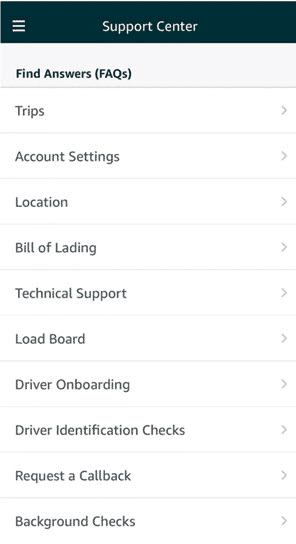
We will start with the self-service options available in the App’s Support Center. The Relay app provides several ways to find answers and resolve common situations on your own. Learning to use these tools helps you save time and solve issues quickly.

Urgent vs. Non-Urgent Issues

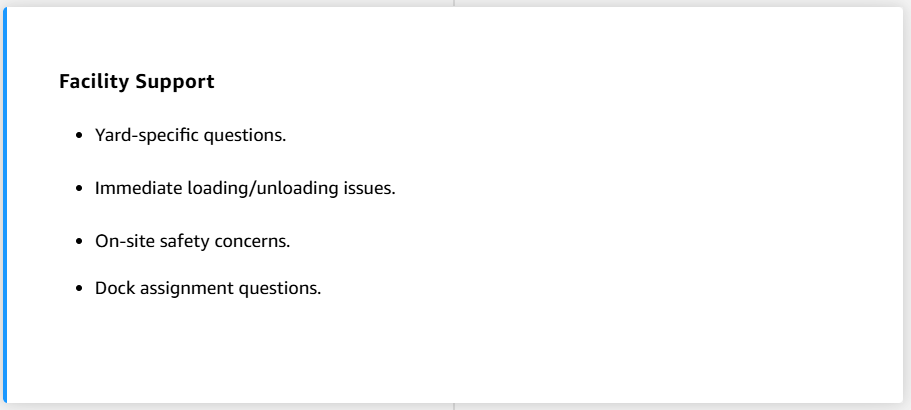
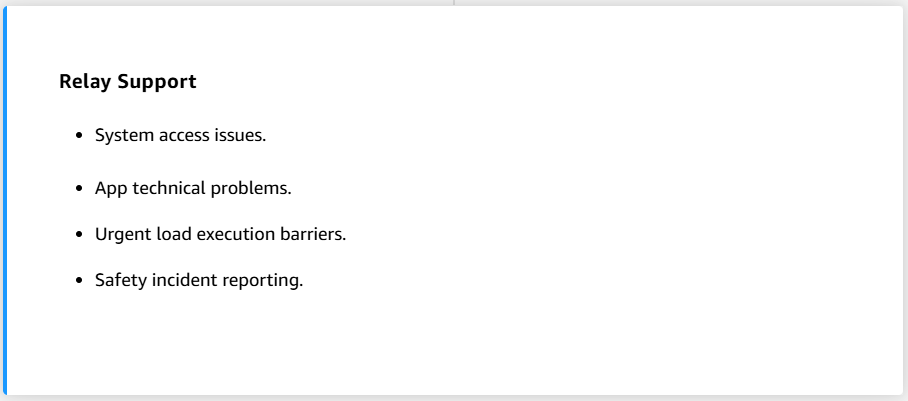
Identifying whether a situation is urgent helps you choose the right support channel and get the fastest appropriate response. Review the two tabs below to learn more.

Callback Requests & Other Support

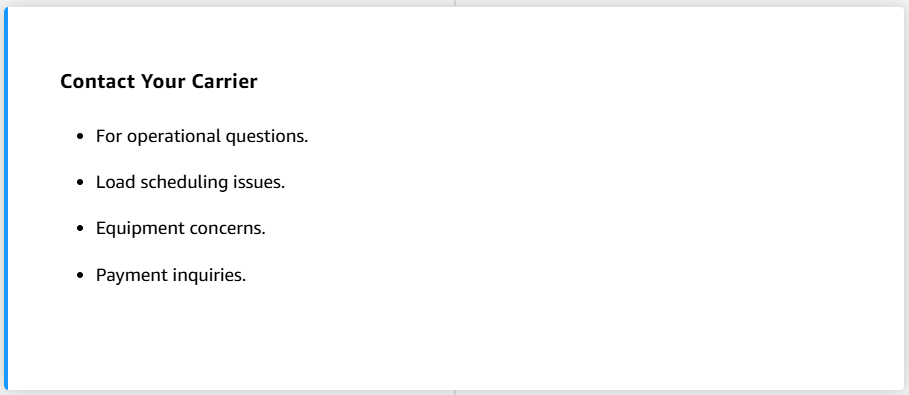
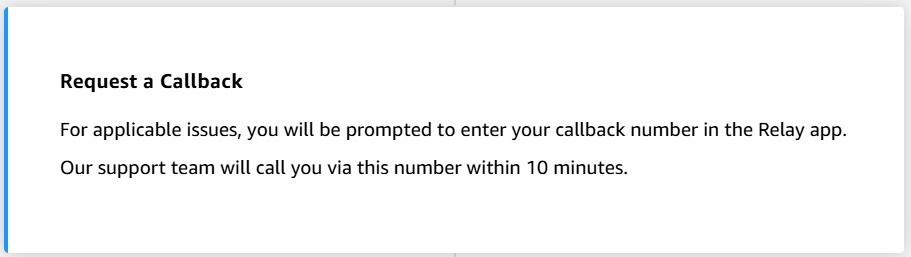
When self-service options don’t resolve your issue, you can select the appropriate support options for additional help from the following:

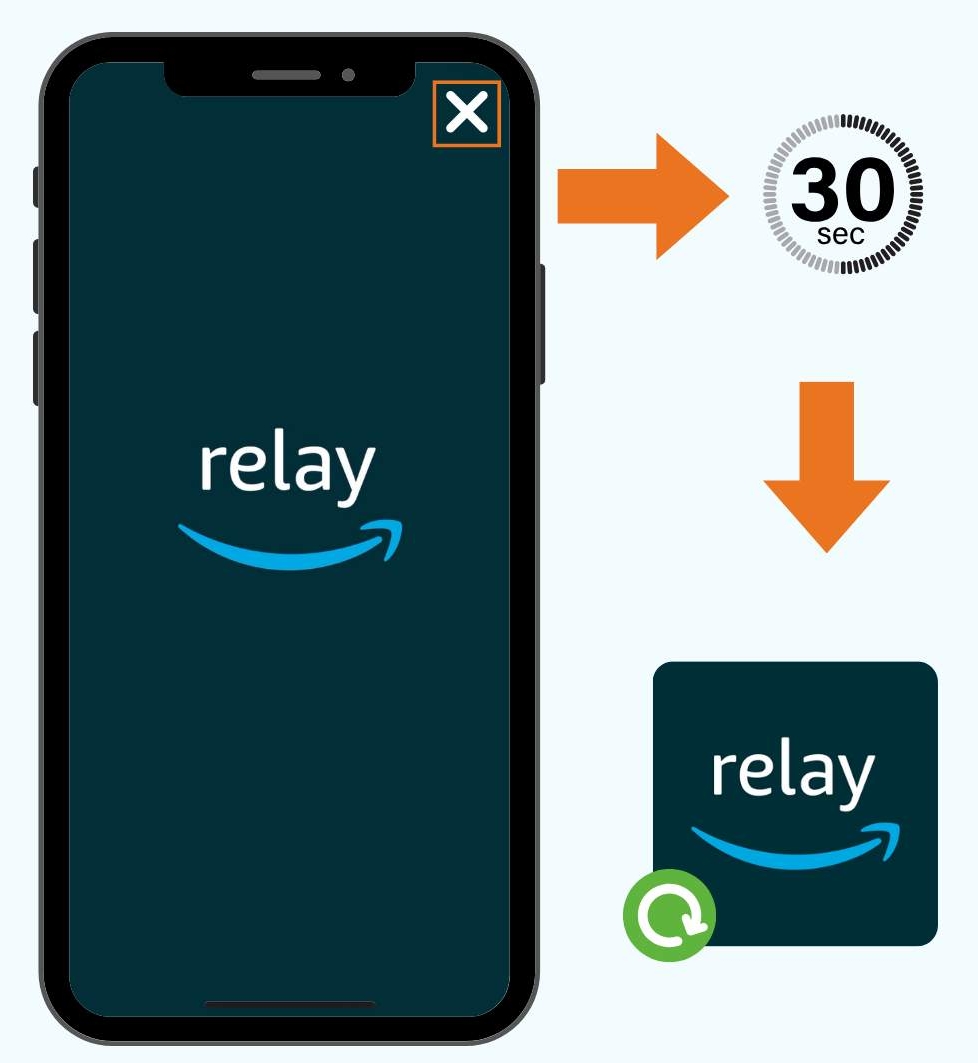
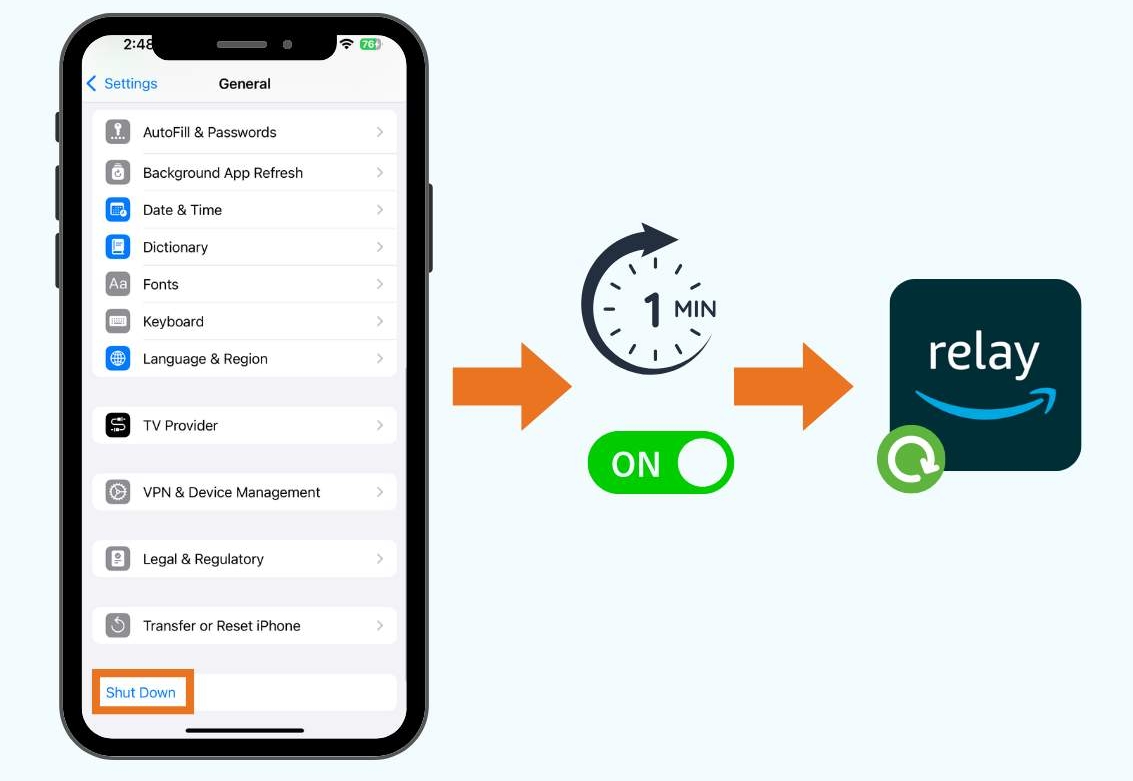
Troubleshooting the App

If you encounter technical issues with the app, you can usually resolve them by following the steps below.

#1 Restarting the app.

#2 Check your phone settings.

#3 Restart your device.

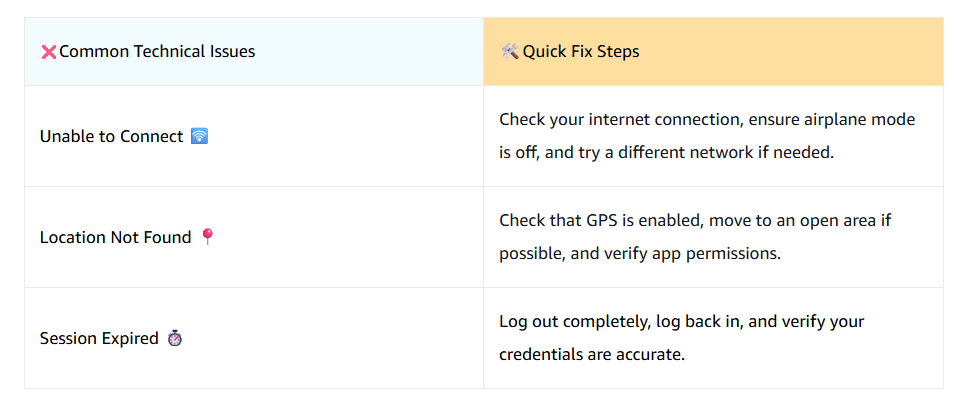
Finally, understanding some basic error messages within the app may help you take the right action. Here are a few error messages you may encounter and some simple steps to correct the issue.

Support Resources Summary

Great work! You now have the tools and knowledge to handle various situations that may arise while hauling loads. Let’s review what you’ve learned:

  • Most situations can be resolved quickly using self-service resources in the app.
  • Knowing whether an issue is urgent helps you choose the right support channel.
  • Using support channels effectively saves time and reduces frustration.
  • Basic troubleshooting steps often resolve common technical issues.

Remember: Safety is number one. Seek immediate support for urgent safety or operational concerns.

Next, you’ll take a brief quiz before completing this course. Good luck!