Mccoy

Overview

Welcome to Best Practices for Yard Check-in and Check-out

This course covers best practices for yard Check-in and Check-out, and provides the knowledge needed to ensure a smooth load Pick-up/Drop-off for all Relay Drivers. These tips will contribute to a smoother and more efficient visit to the trailer yard.

Target Audience

  • Relay Drivers

  • Carriers

Time

This course will take approximately 15 minutes to complete. 

Navigating This Course

This course is mobile friendly. You can take it on your phone or on a computer. Select the cards below for tips on taking this course on your phone.

Click the magnifying glass icon (+) to zoom in and click again to return to normal size.
When you see a "CONTINUE" button, select it to unlock the next section of the course.
Rotate your phone for better access to course content.
Before Check-In

Pre-Registration

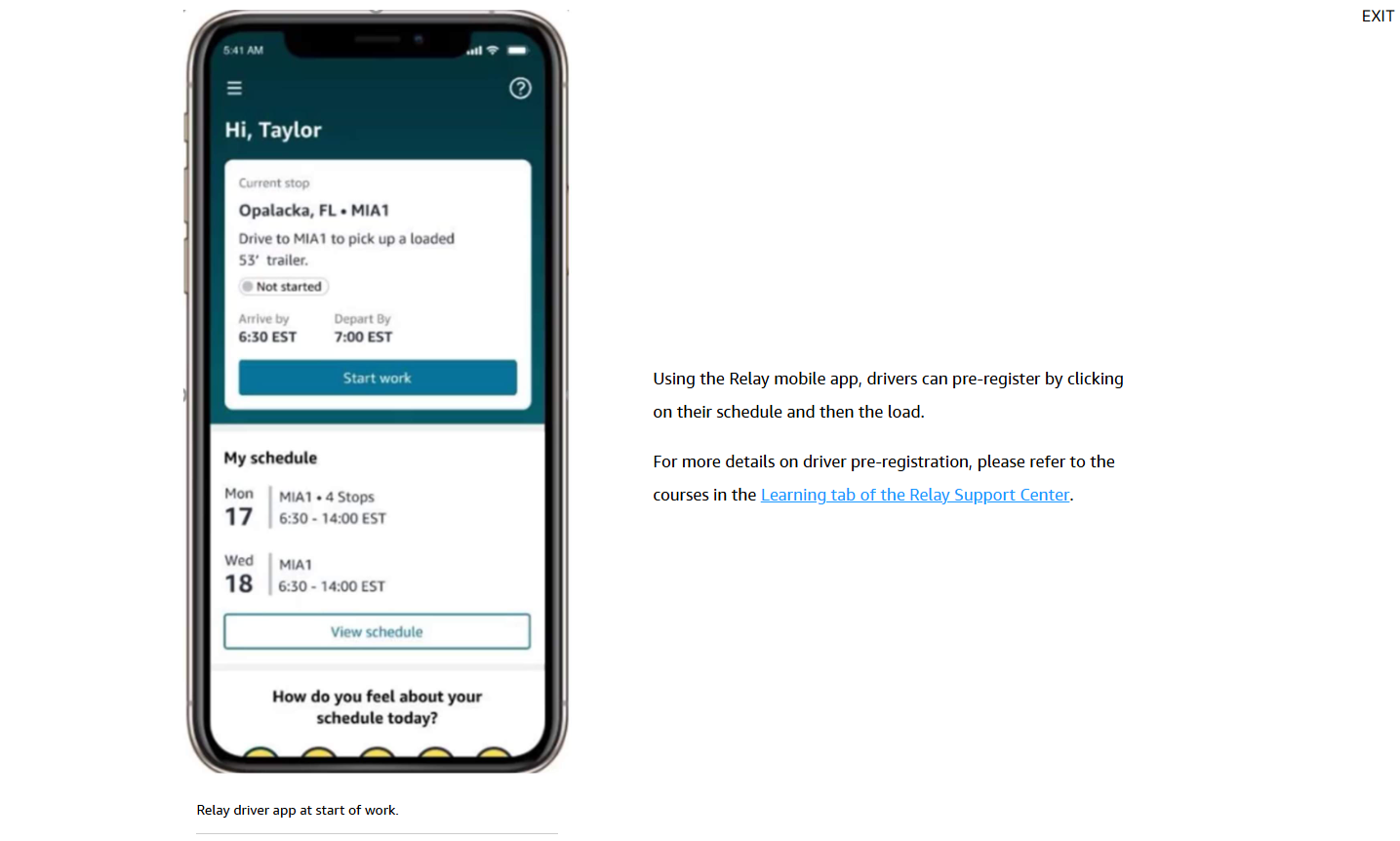
Driver Pre-registration allows drivers to enter or confirm their information within the Relay mobile app, allowing a faster check-in at onsite arrival.

Note: Only the driver’s next upcoming load within a 24-hour scheduled start time will be available for pre-registration.

DDU Badge

For a box truck driver delivering to a United States Postal Service location, they need to obtain a badge prior to scheduled arrival time.

Amazon standard work asks that drivers arrive 15-30 minutes ahead of the planned arrival time.

Watch this short video below to below to learn about the DDU Badge process.

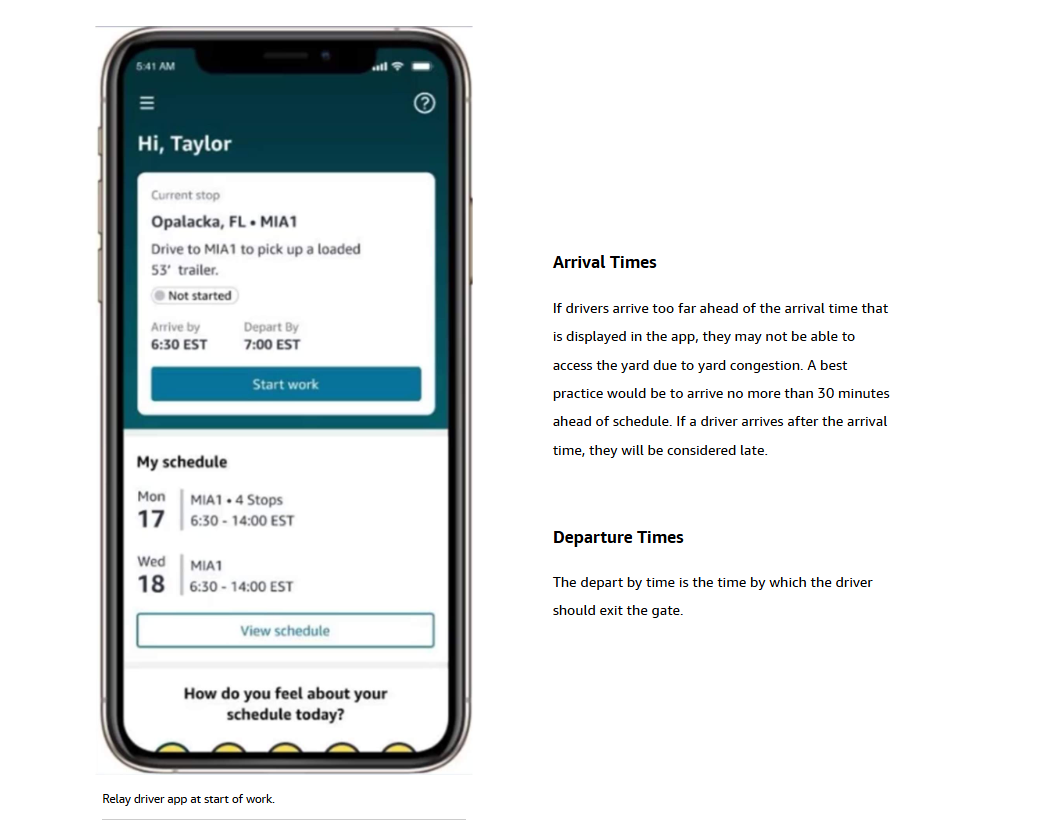
Understanding the Times on the App

When on the Relay mobile app, the load details display the arrival and departure times for each stop.

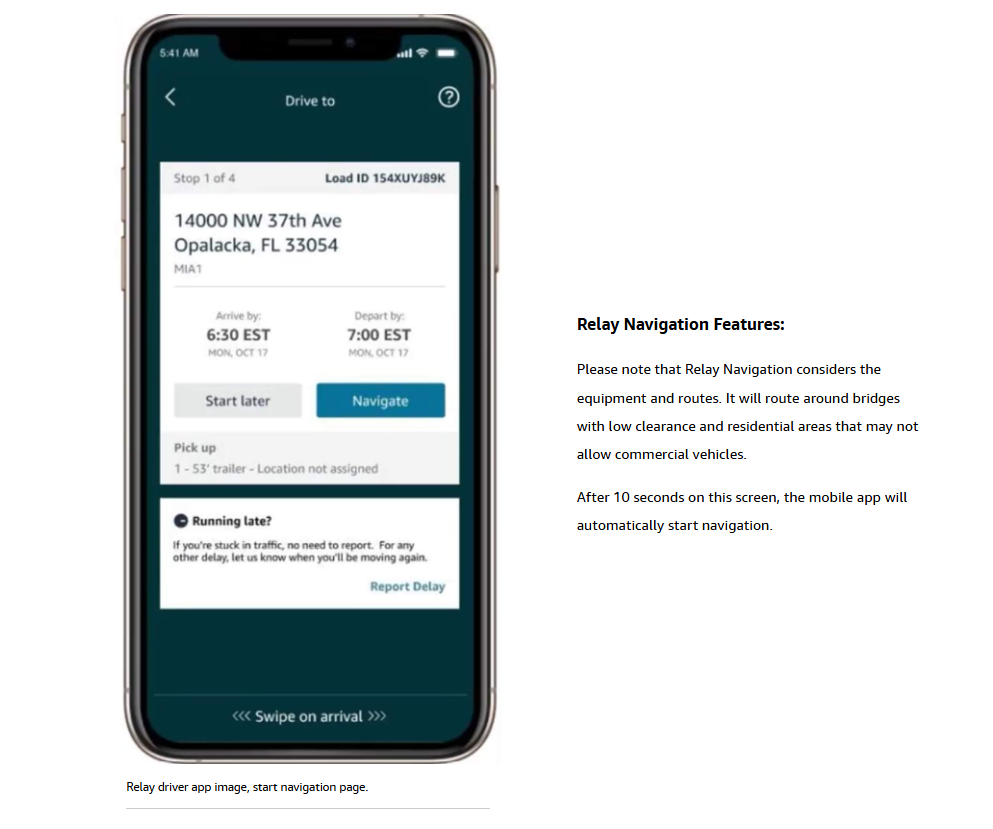
Navigation

Following driver pre-registration, the navigate button will appear on the mobile app. 

Arriving at the Yard

Types of Check-in

It is critical that drivers Check-in with yard personnel at Amazon owned yards.

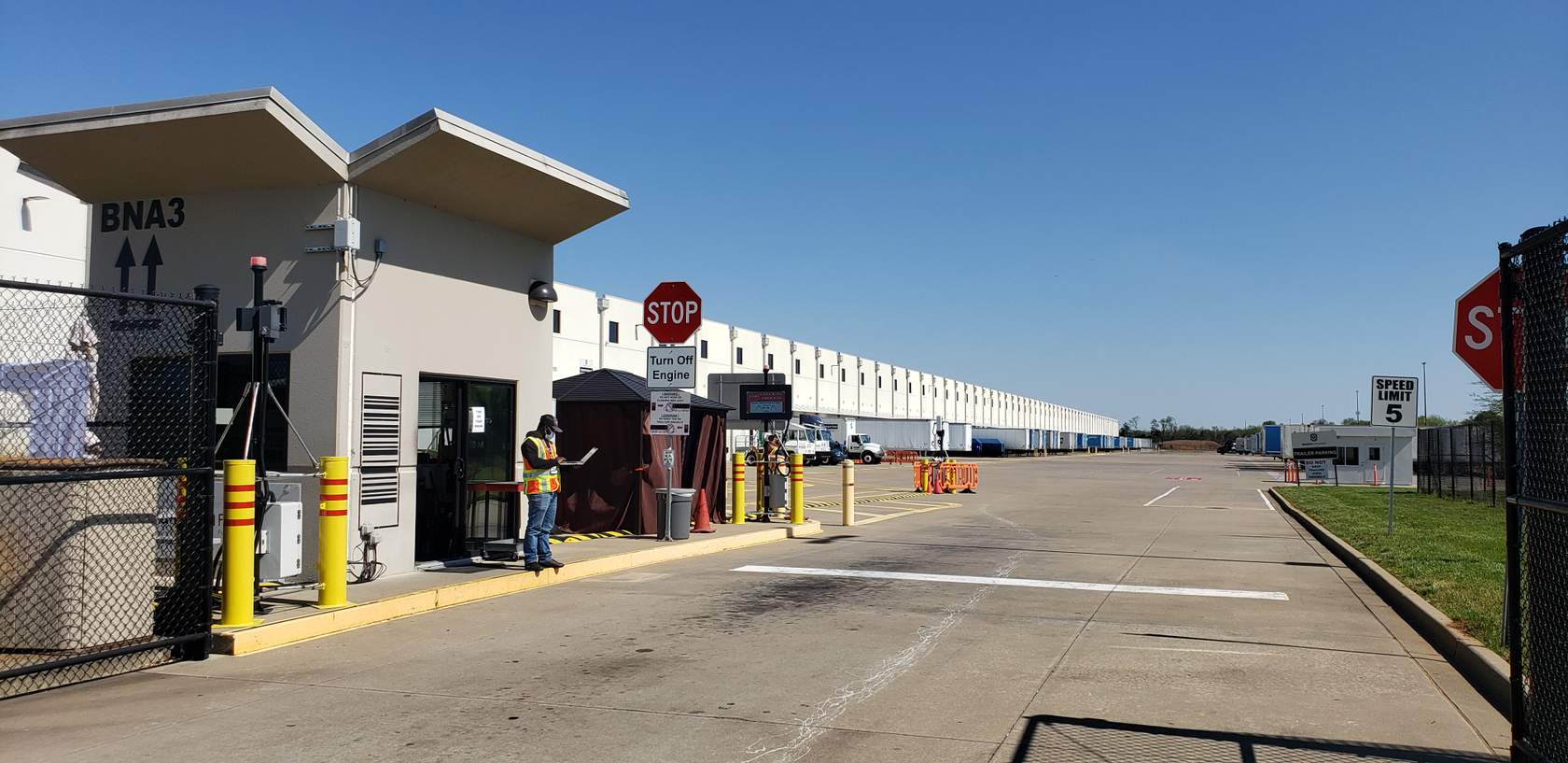
Gated Amazon yard

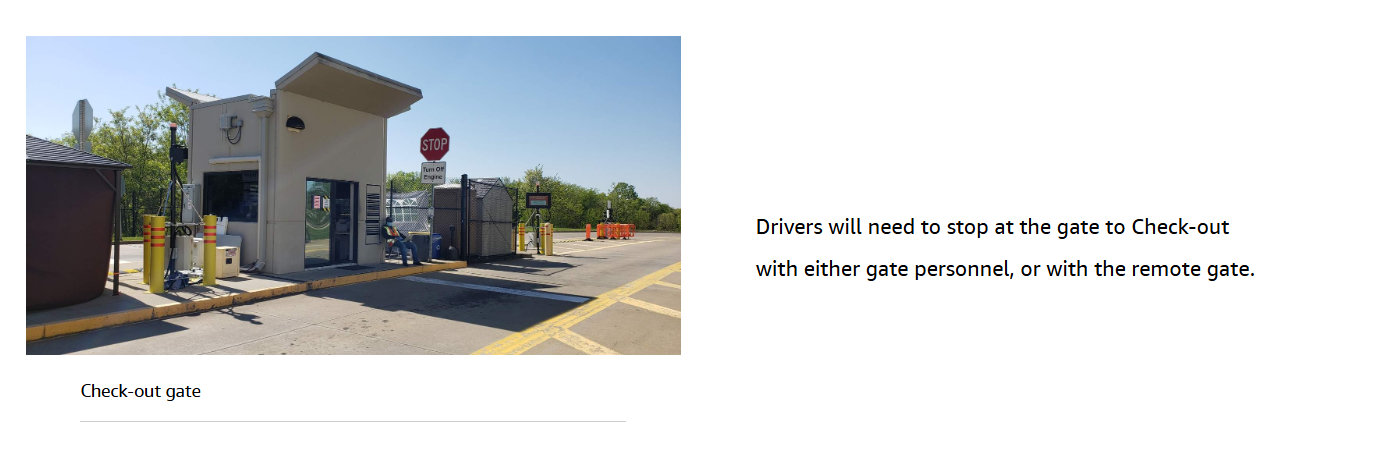
  • At gated yards, drivers must Check-in with personnel at the gate. This may include remote gate associates. 
  • At yards without gates, drivers may be required to knock on the door at the shipper entrance to speak with yard personnel.

DDU – Checking-in Inside the Building

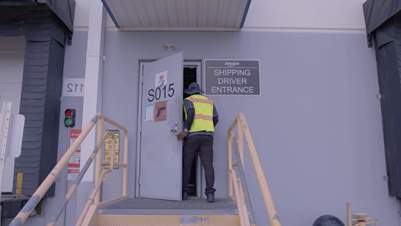
DDU drivers should only enter through approved entrances and use their badge at the turnstiles to gain entry to the dock.

Remember to never scan your badge for another person to enter or exit and never let another person scan their badge for you. These actions constitute a driver banning offense.

Drivers should partner with the Amazon ship clerk to identify the location where the freight for their route is located, and to determine the total number of scans needed.

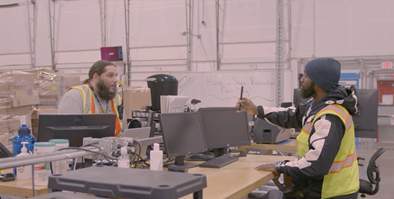
Driver entering Amazon facility through driver entrance.

Driver entering Amazon facility through driver entrance.

In the Yard

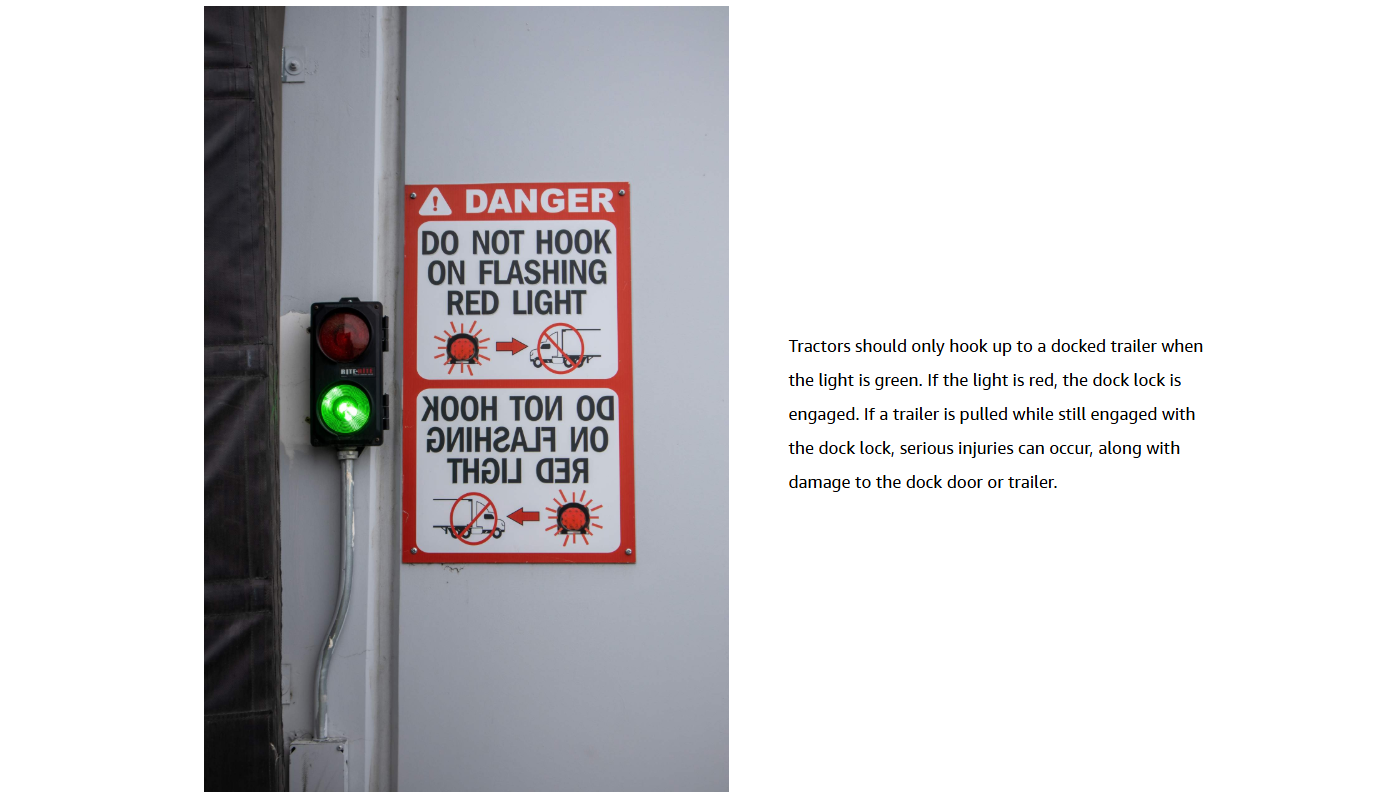
Dock door lights (green/red)

Be sure to pay attention to the dock door lights if you are attaching to a trailer that is docked. 

Checking-out

Bill of Lading (BOL)

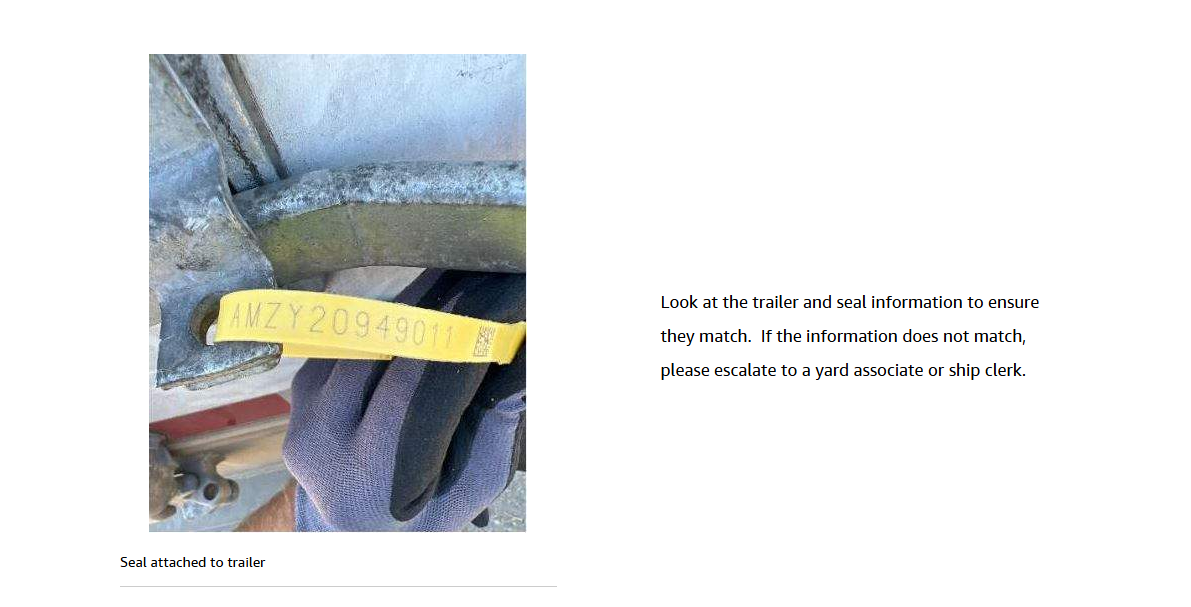
When picking up a load, ensure the information on the BOL matches the information on the trailer.

If a driver is picking up an empty trailer for a repositioning move, they should follow these steps:

  • Upon arrival at the site, during Check-in, you may inquire with a yard associate regarding empty trailer availability.
  • If there is a trailer available and it is assigned to you, you may then haul the assigned trailer to complete the repositioning move. Failure to do so will result in the VRID being flipped to an unapproved bobtail.

If a driver has questions regarding the trailer, they are expected to escalate to a yard associate or gate personnel.

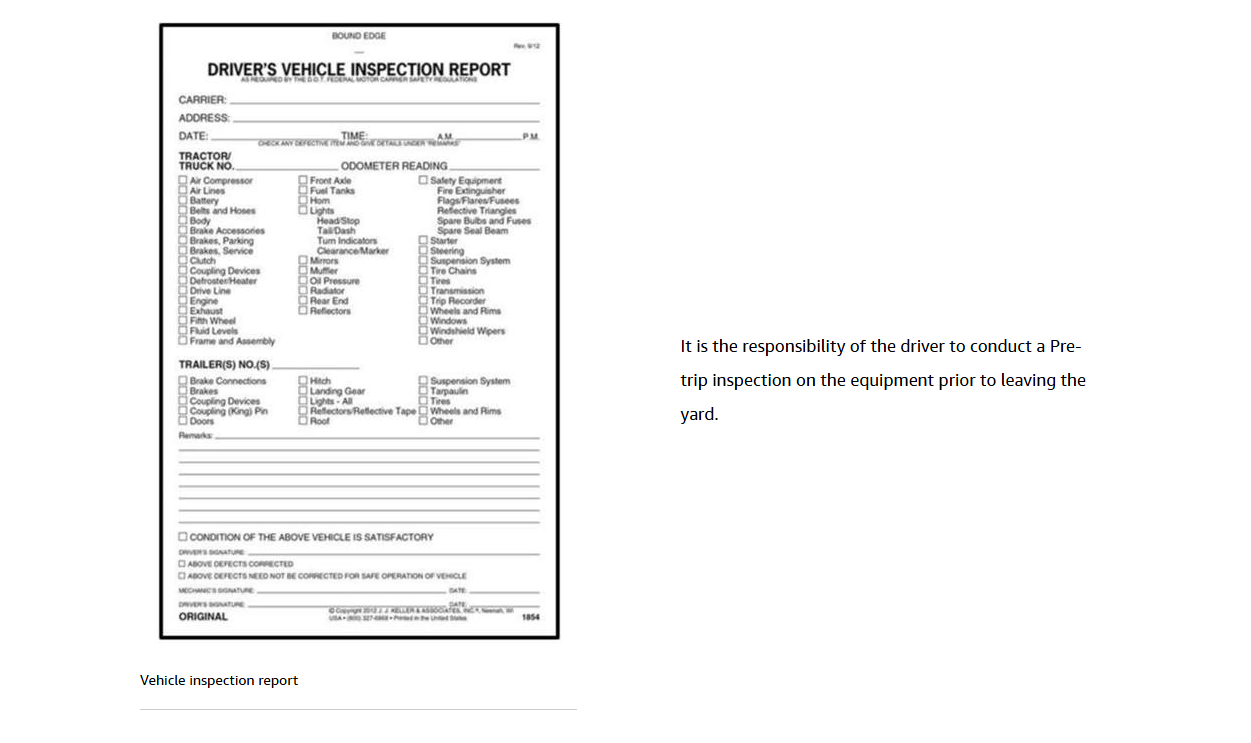
Pre-trip inspection

Checking-out at the Gate